

Docs · Running your site
Updates, licence and backups
One-click updates
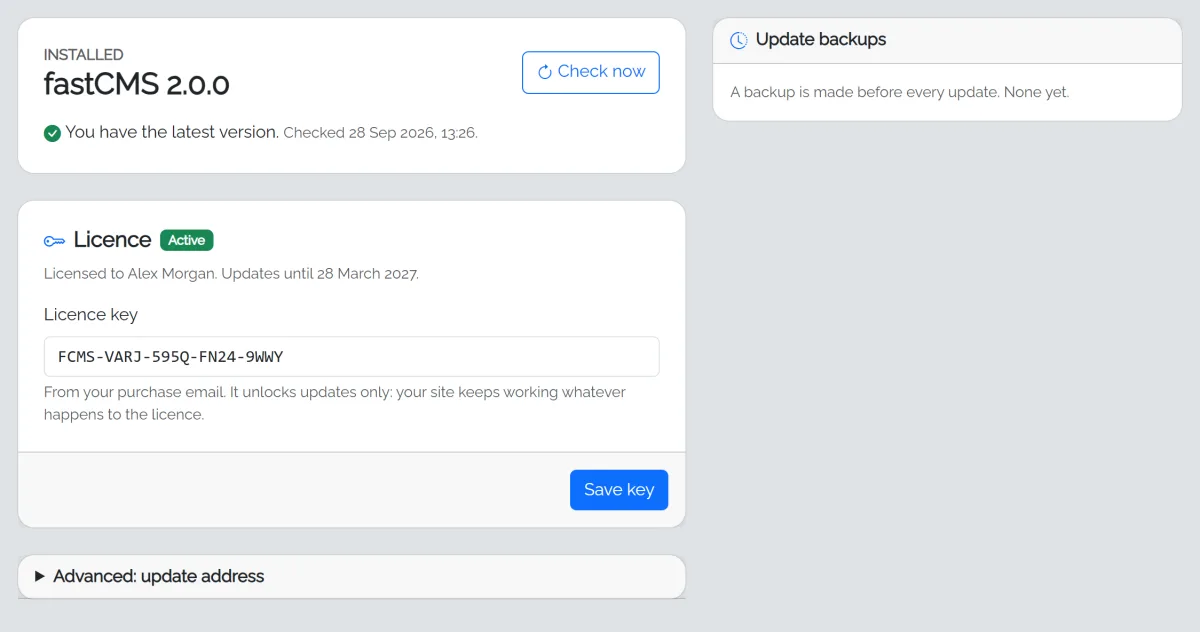
Updates checks for a new version once a day when you open the page, shows what's new, and installs it with one click. Before installing, fastCMS:
- checks the download hasn't been tampered with (SHA-256 checksum),
- backs up your code and database,
- copies the new files, never touching
config.php, your database, uploads or cache, - applies any database changes on the next page load.
If anything goes wrong while copying, the previous version is put back automatically. You can also Go back to the previous version yourself from the backups list.
Your licence key
Your licence key (from your purchase email, like FCMS-XXXX-XXXX-XXXX-XXXX) unlocks updates. Add it on the Updates page. It only affects updates: your site keeps working whatever happens to the licence.
Your licence covers the number of sites in your plan, and one-click updates for its update period, counted from the date you bought it. The Updates page shows the date. Copies on your own computer (localhost) don't count. When the update period ends, your site keeps working exactly as it is; contact support to renew. To move a licence to a new domain, contact support.
Backups
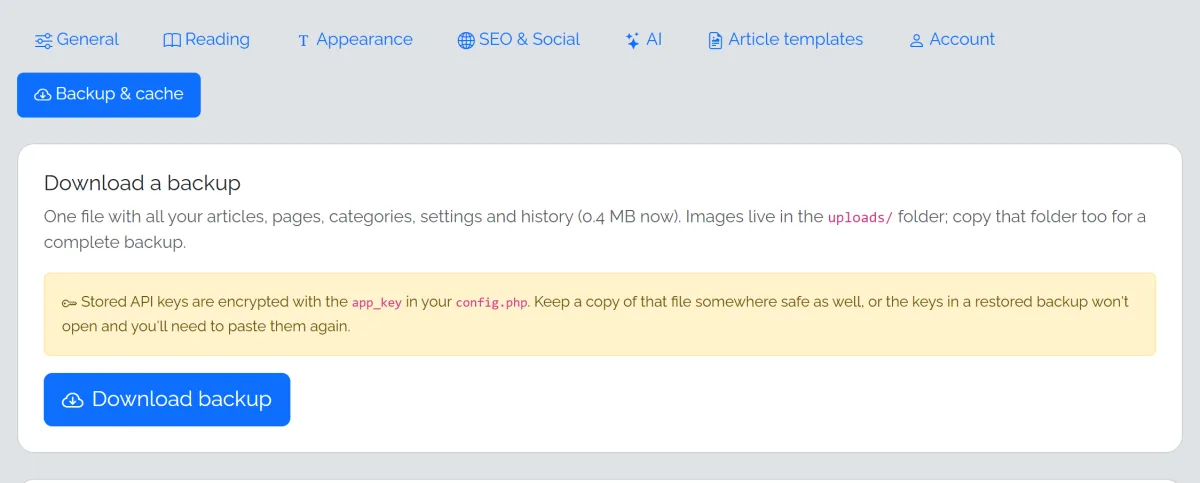
- Download a backup of all your content any time from Settings → Backup & cache. Keep a copy of your
config.phptoo: it holds the key that unlocks your saved API keys. - Images live in the
uploads/folder; copy it with your hosting file manager or FTP for a complete backup. - Update backups are made automatically before every update.
- Restore points are made before Start a new site and Undo this plan in AI Autopilot, kept for 30 days.
Many hosts also make their own daily backups; check your control panel.
Moving to a new domain
Copy all files (including the hidden .htaccess) and the data/ folder to the new host, then change the Site URL in Settings → General.