

Docs · AI
Building a blog with AI Autopilot
AI Autopilot plans and writes a whole blog. Nothing is written until you approve the plan.
It opens with three choices:
- Help me choose a niche: the Niche Finder researches niches and real searches, then hands Autopilot a finished plan. Best if you're new or unsure.
- I already have a keyword: plan straight from a seed keyword (below).
- Grow this site: plan more articles for the blog you have (further down).
Start a new site
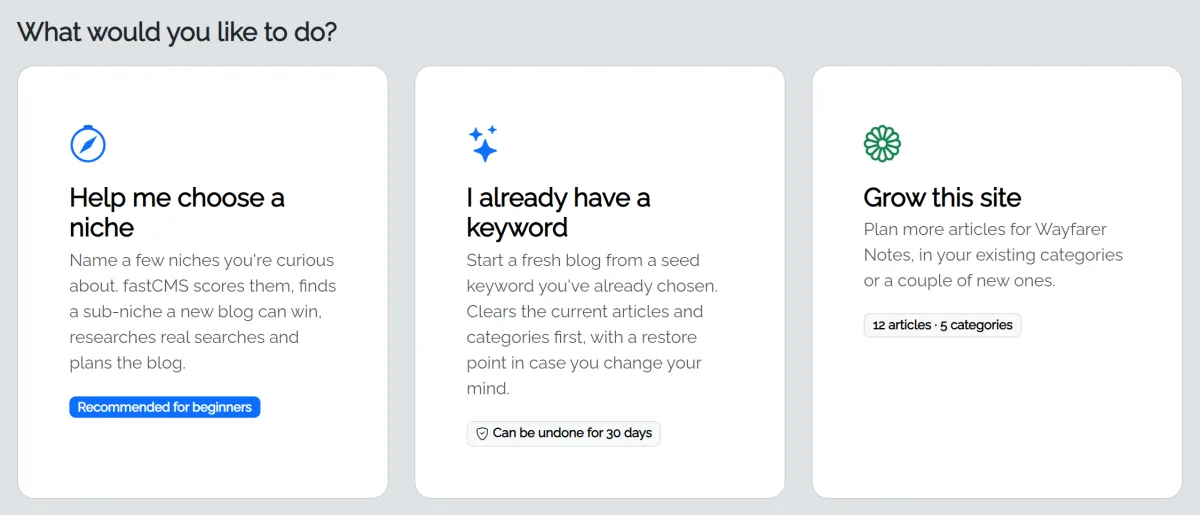
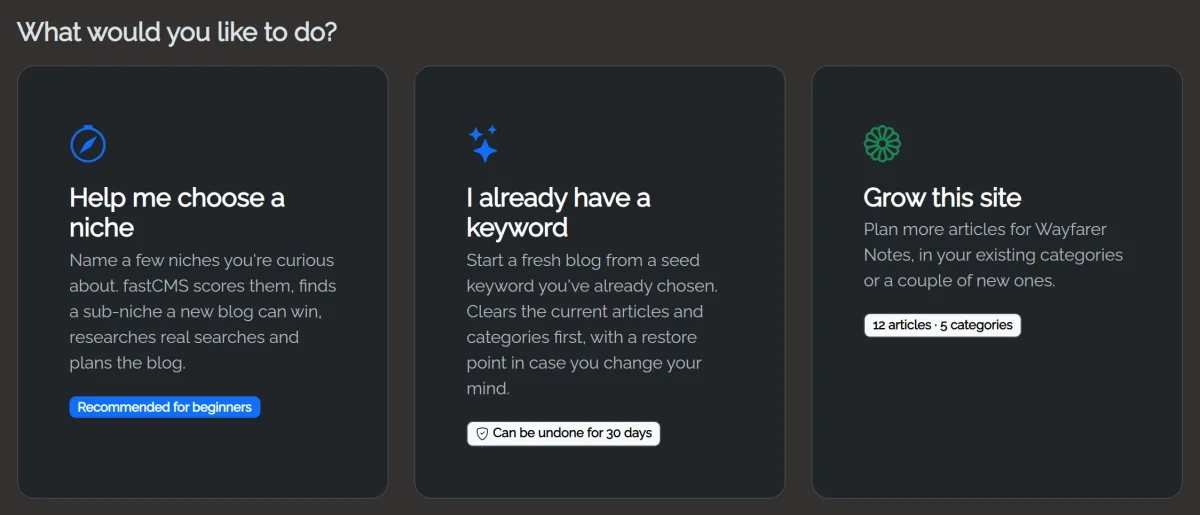
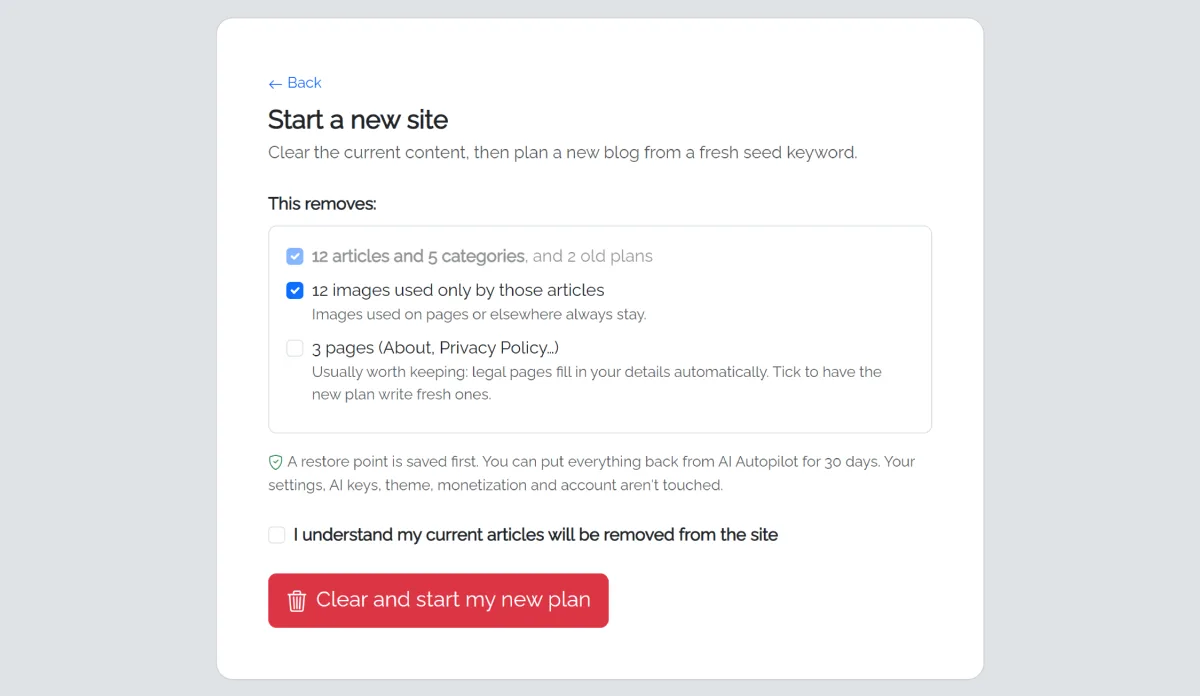
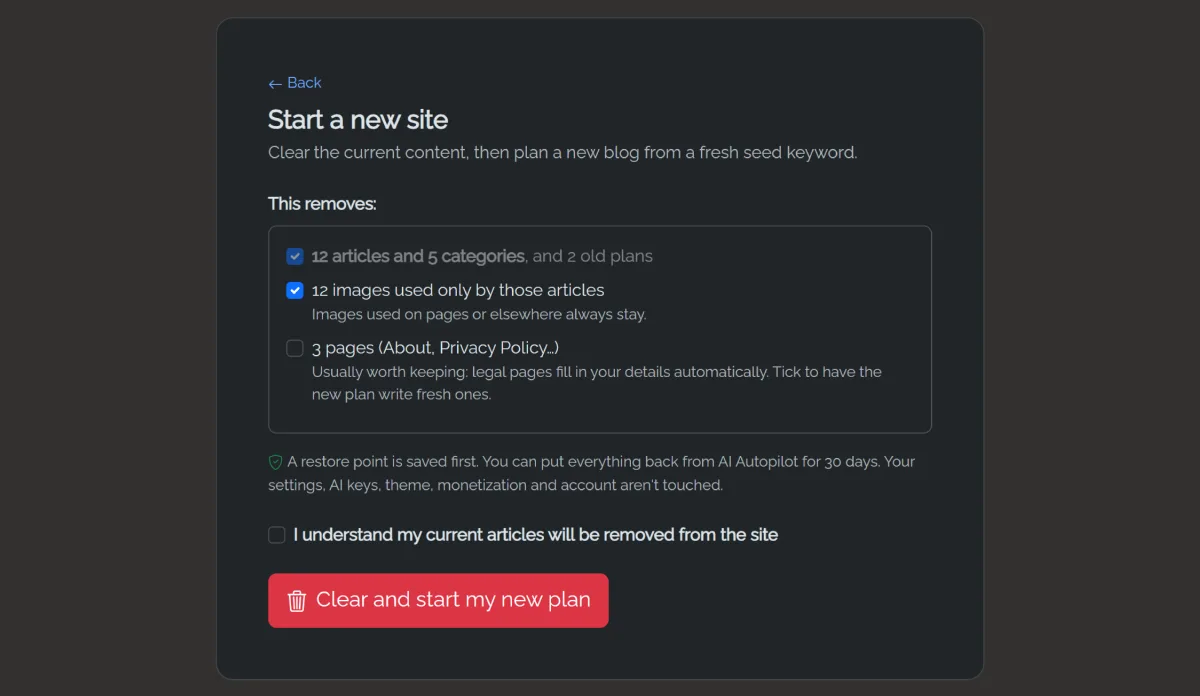
- Choose I already have a keyword. If the site already has articles, a confirm screen shows what will be removed (articles, categories, old plans, and optionally images, pages and the site name). A restore point is saved first.
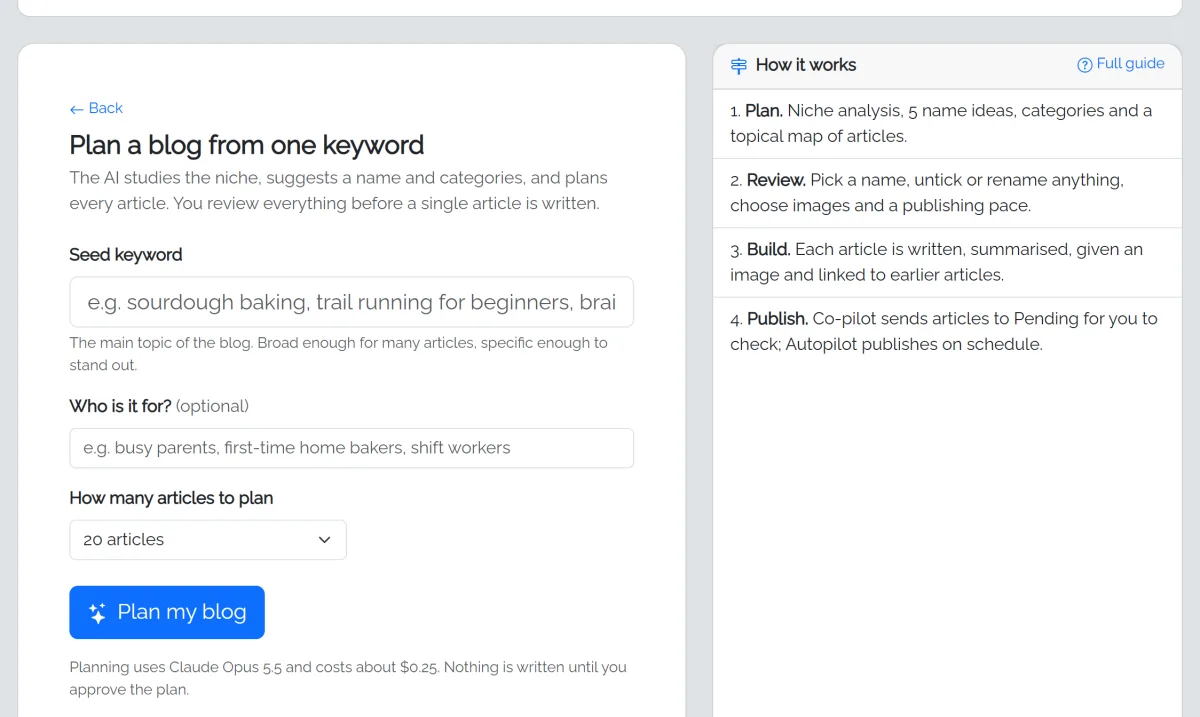
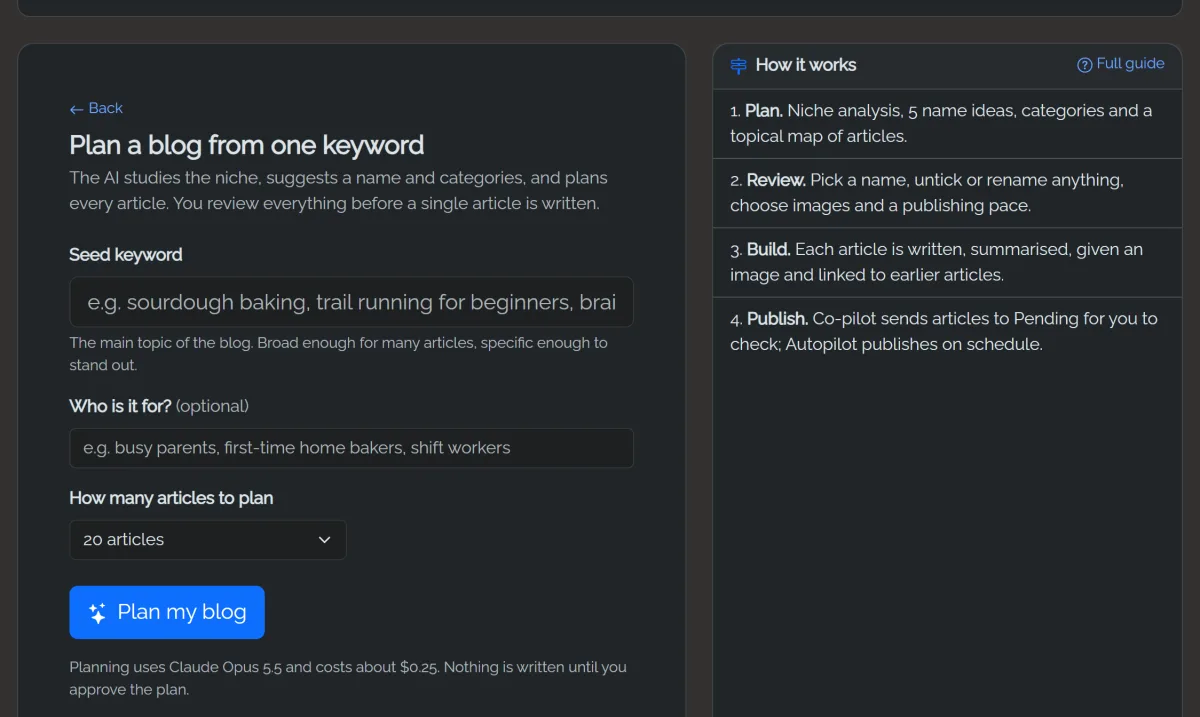
- Enter a seed keyword, optionally who it's for, and how many articles to plan.
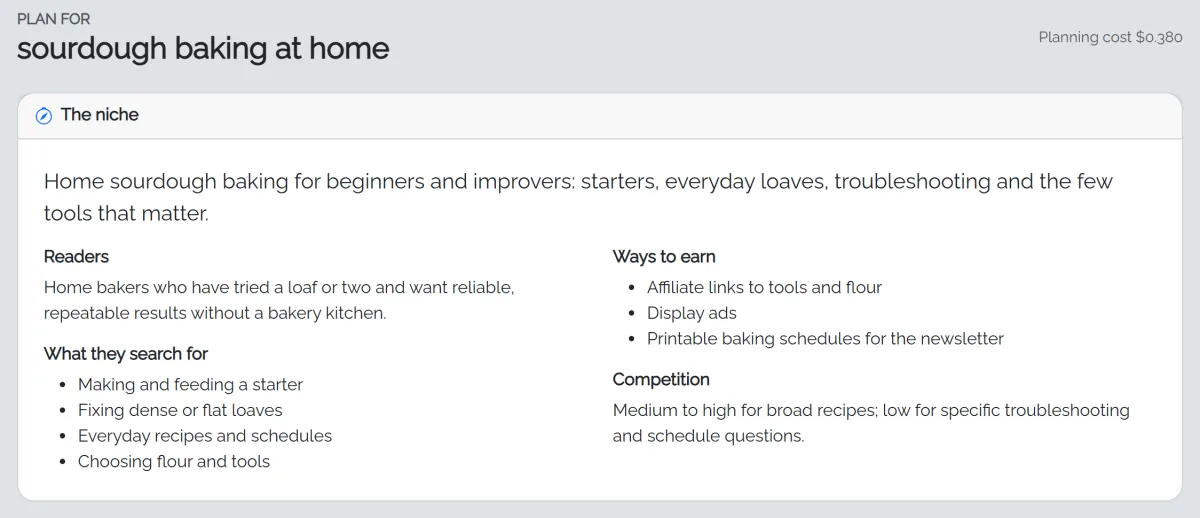
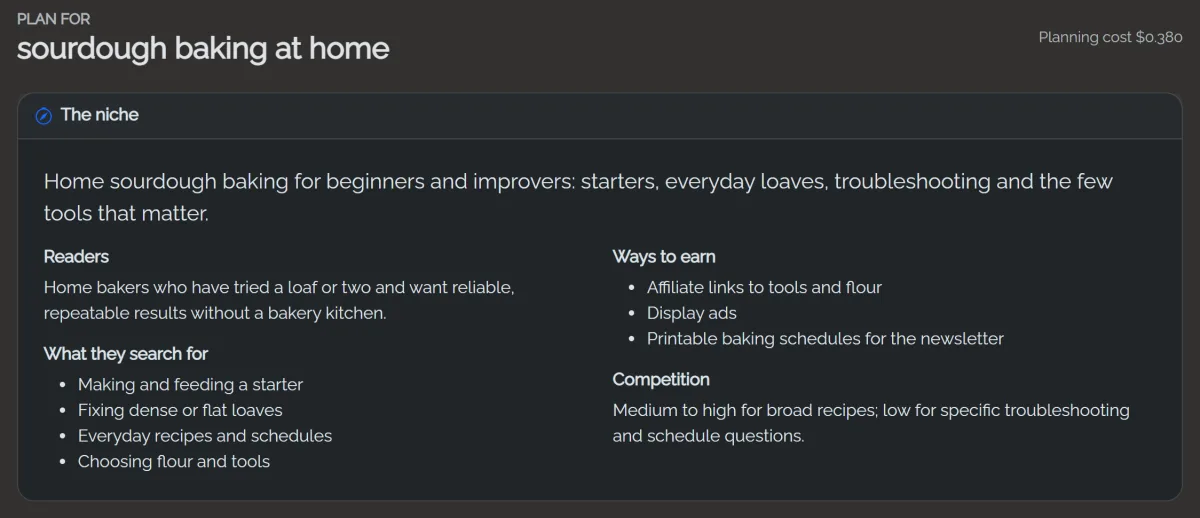
- Planning takes one to three minutes. You'll see niche research, a site description, categories and a topical map.
Review the plan
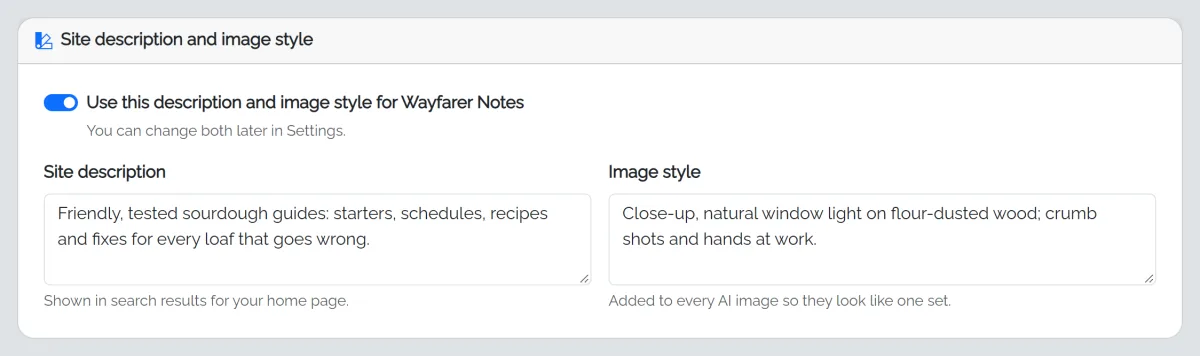
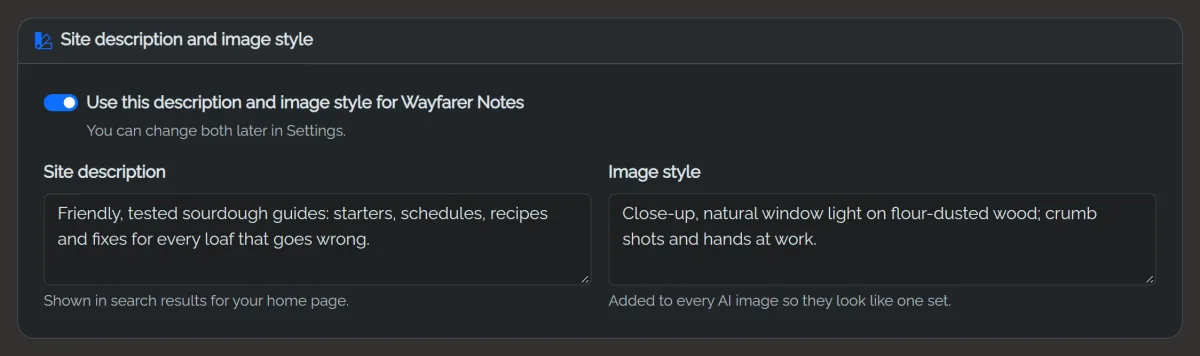
- Site description and image style: the description shown in search results, and the look shared by all AI images. Applied when you build; change them later in Settings. (The site name is the one you chose when installing.)
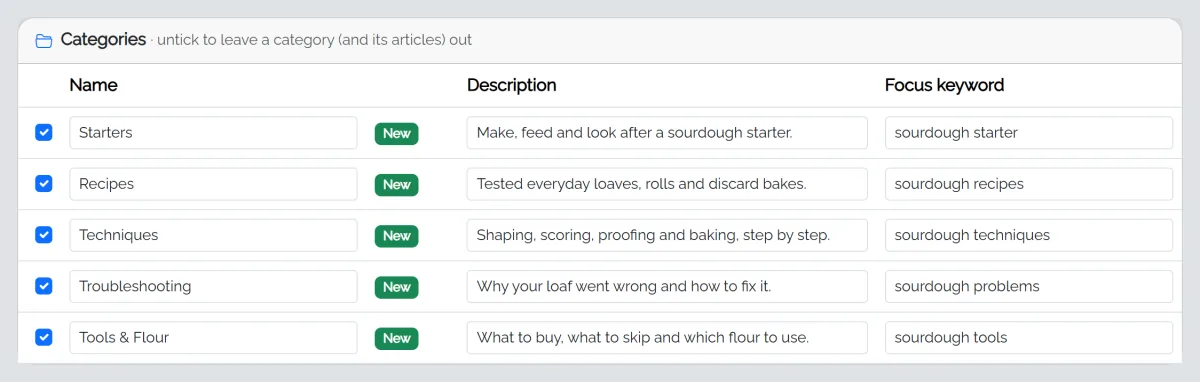
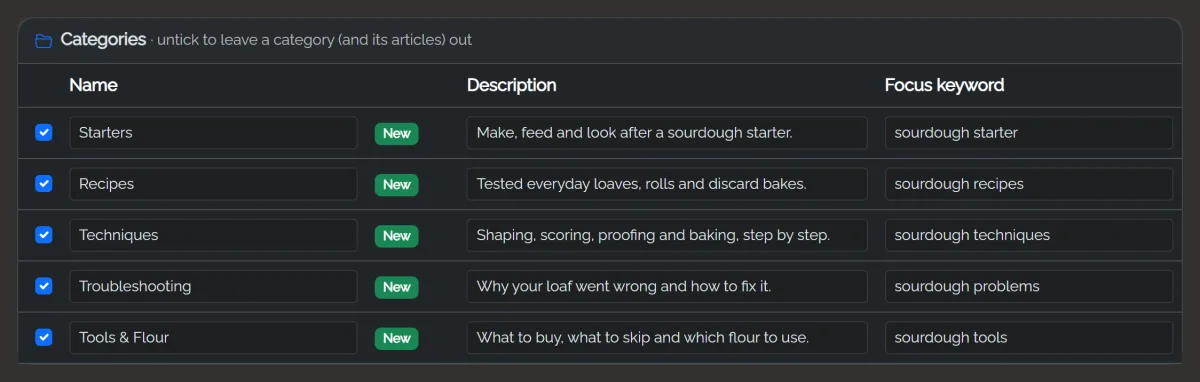
- Categories: untick any you don't want; their articles go too.
- Articles: untick, rename, or move articles between categories. Pillar articles are the big guides the others link to.
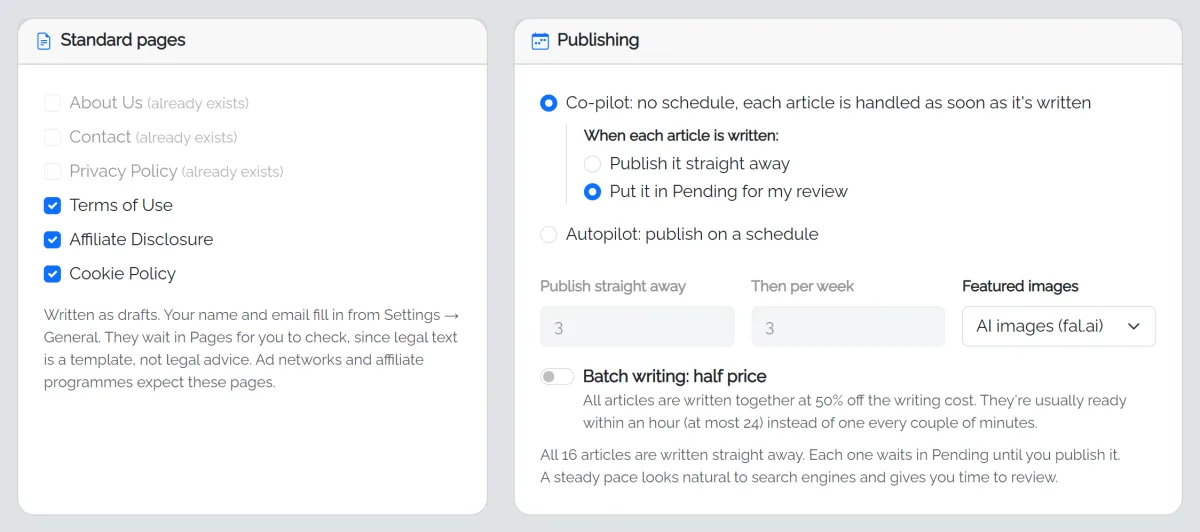
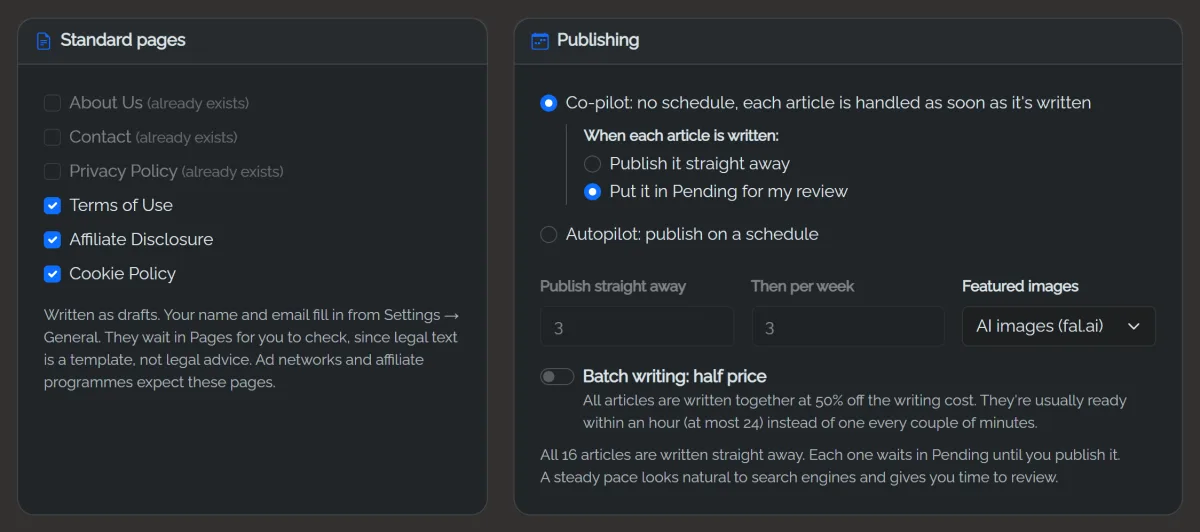
- Standard pages: About, Contact, Privacy, Terms, Affiliate disclosure, Cookie policy. They're written as drafts for you to check.
- Publishing: Co-pilot has no schedule. Every article is written straight away, and you choose what happens to each one when it's done: publish it immediately, or put it in Pending for you to approve. Autopilot publishes on a schedule: choose how many go out straight away and how many per week after that.
- Images: AI images, free stock photos, or none.
- Batch writing: half price with Claude; ready within about an hour.
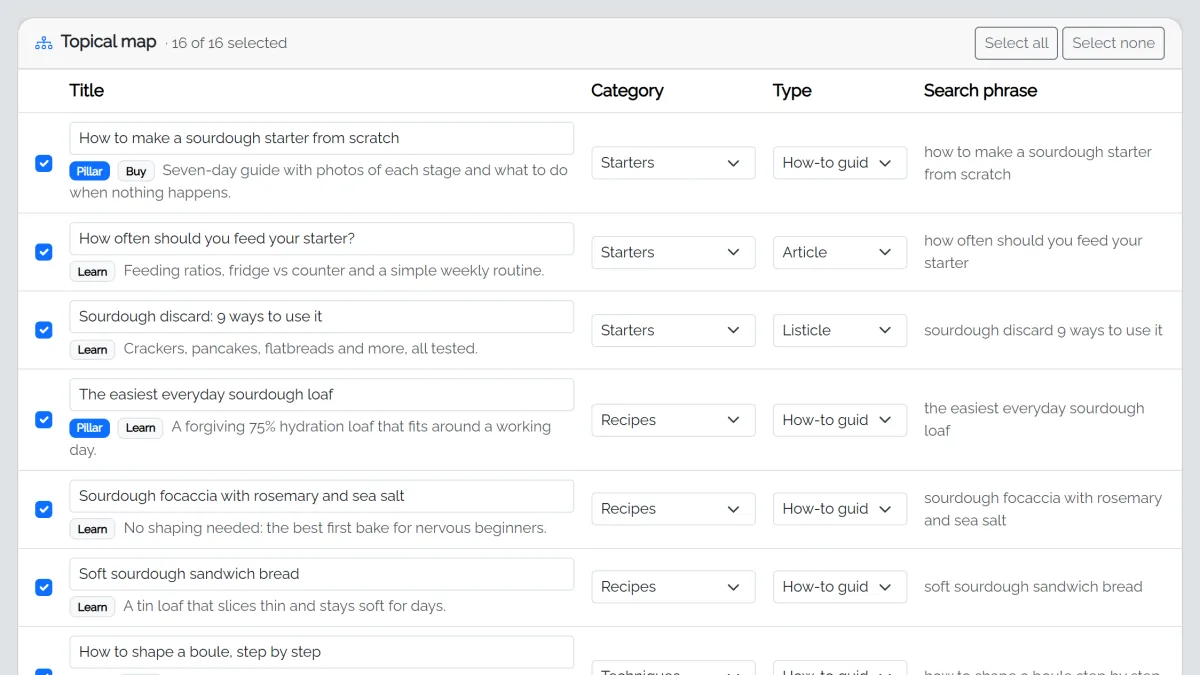
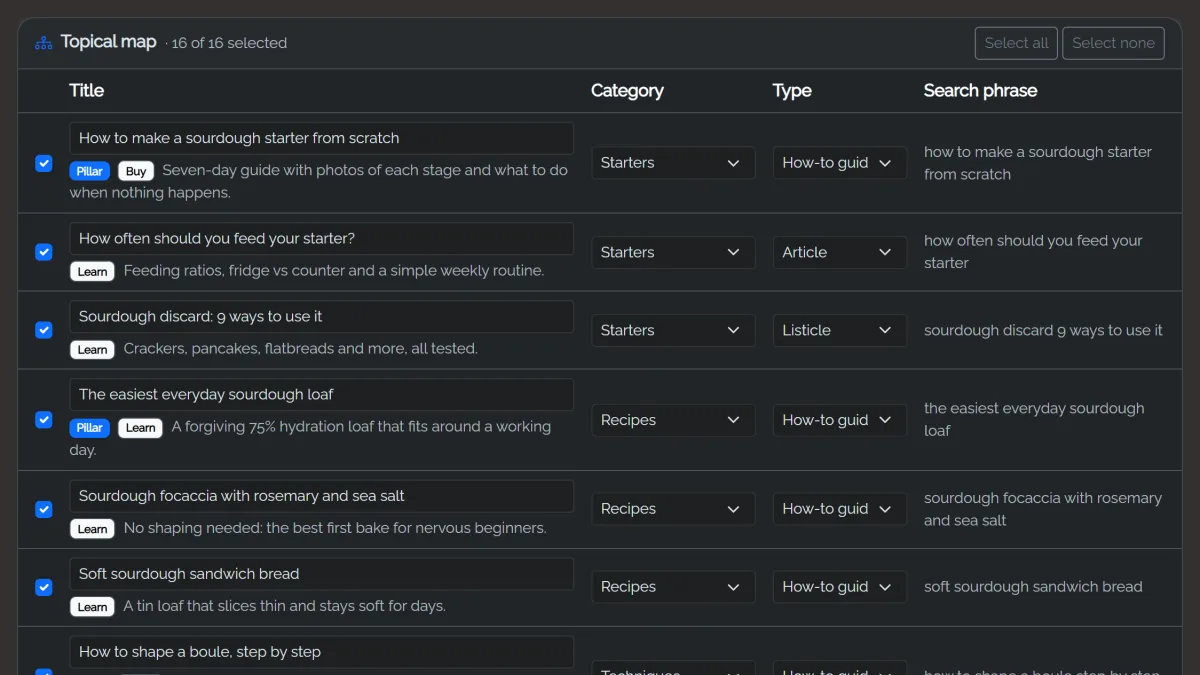
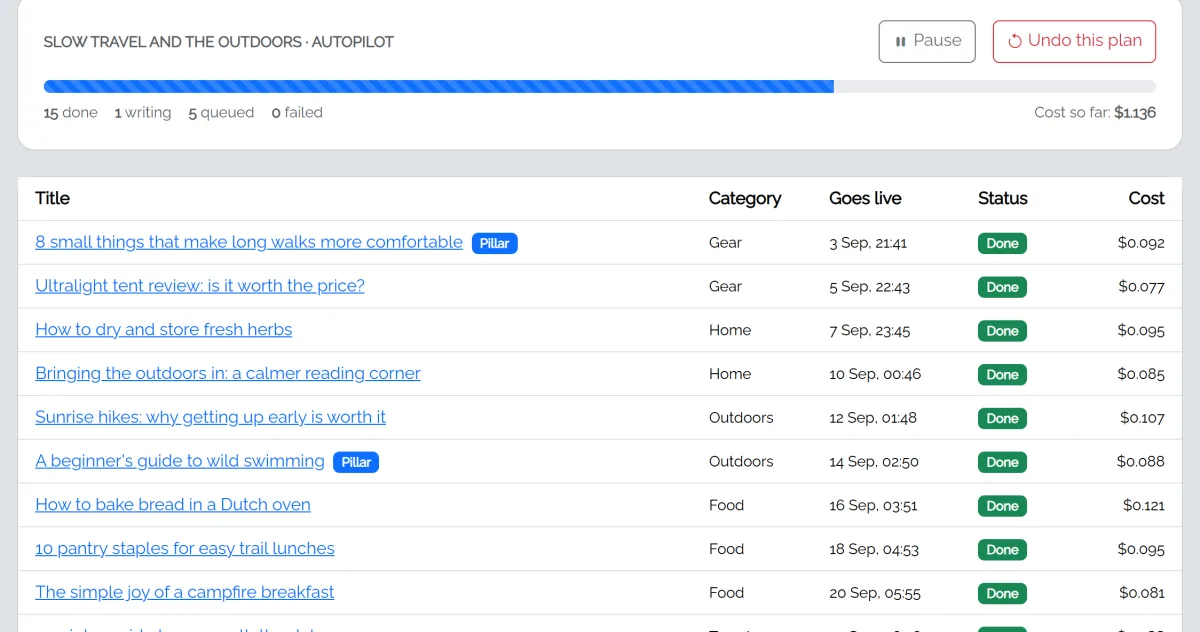
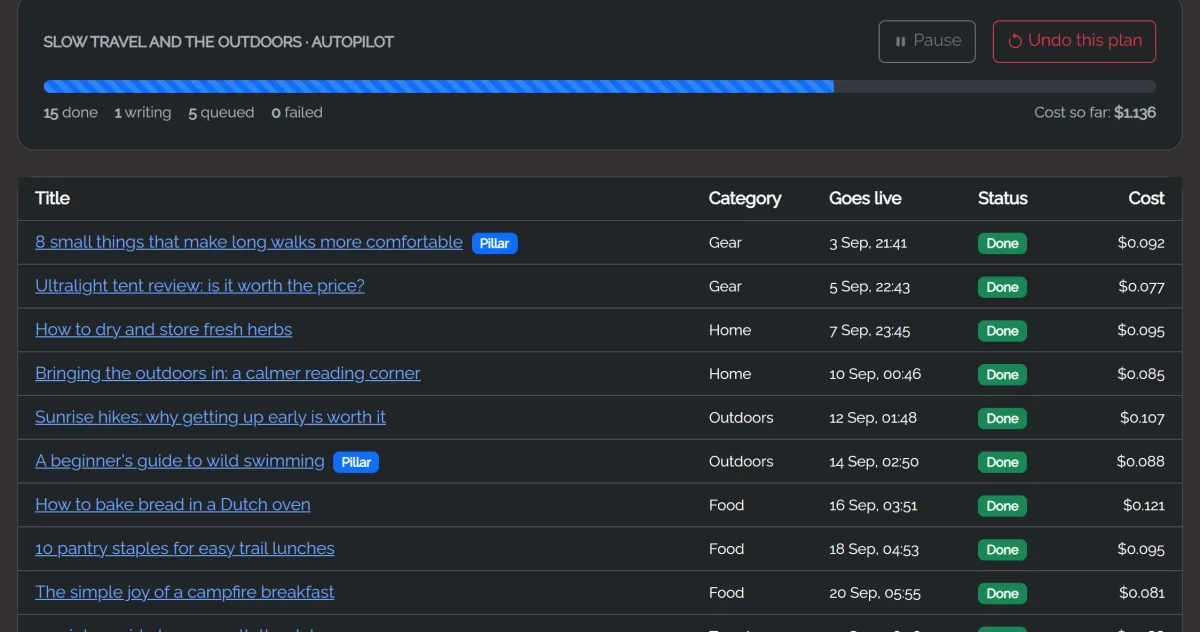
Click Build my blog. The build page shows each article as it's written. You can pause and resume at any time.


Grow this site
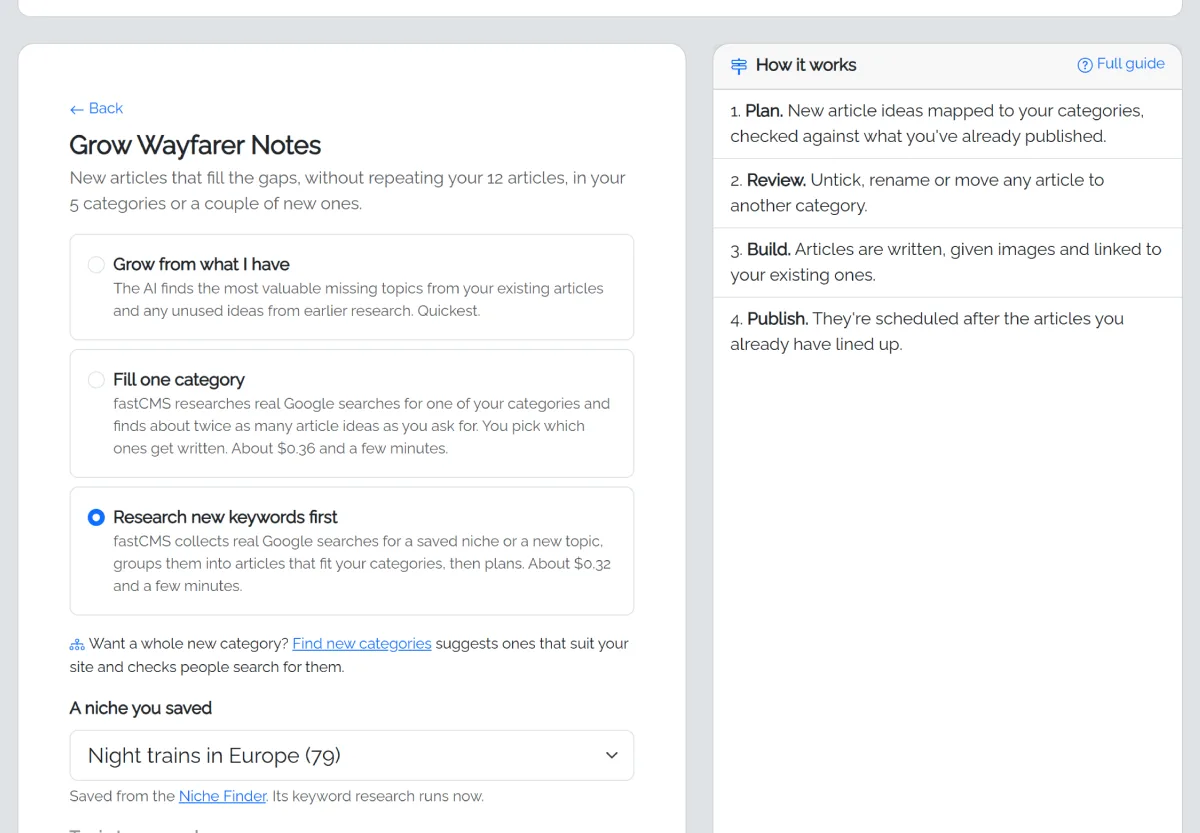
Choose Grow this site to plan more articles for the blog you have. It knows your categories and existing titles, so it won't repeat them, and it schedules the new articles after the ones already lined up. Three ways:
- Grow from what I have: add a focus (for example product reviews) or leave it empty and the AI finds the gaps. It uses any unused article ideas from your Niche Finder research first. Quickest.
- Fill one category: pick a category (the ones with the fewest articles are listed first) or click Grow next to it on the Categories page. fastCMS works out what people search for in that category on your blog (on a coffee blog, "Reviews" means coffee gear reviews), collects real Google searches and finds about twice as many article ideas as you asked for. The best ones are ticked; tick or untick the rest, and only the ticked ones are written. Ideas you leave unticked are kept for later Grow from what I have plans. About the cost of one keyword research, shown before you start.
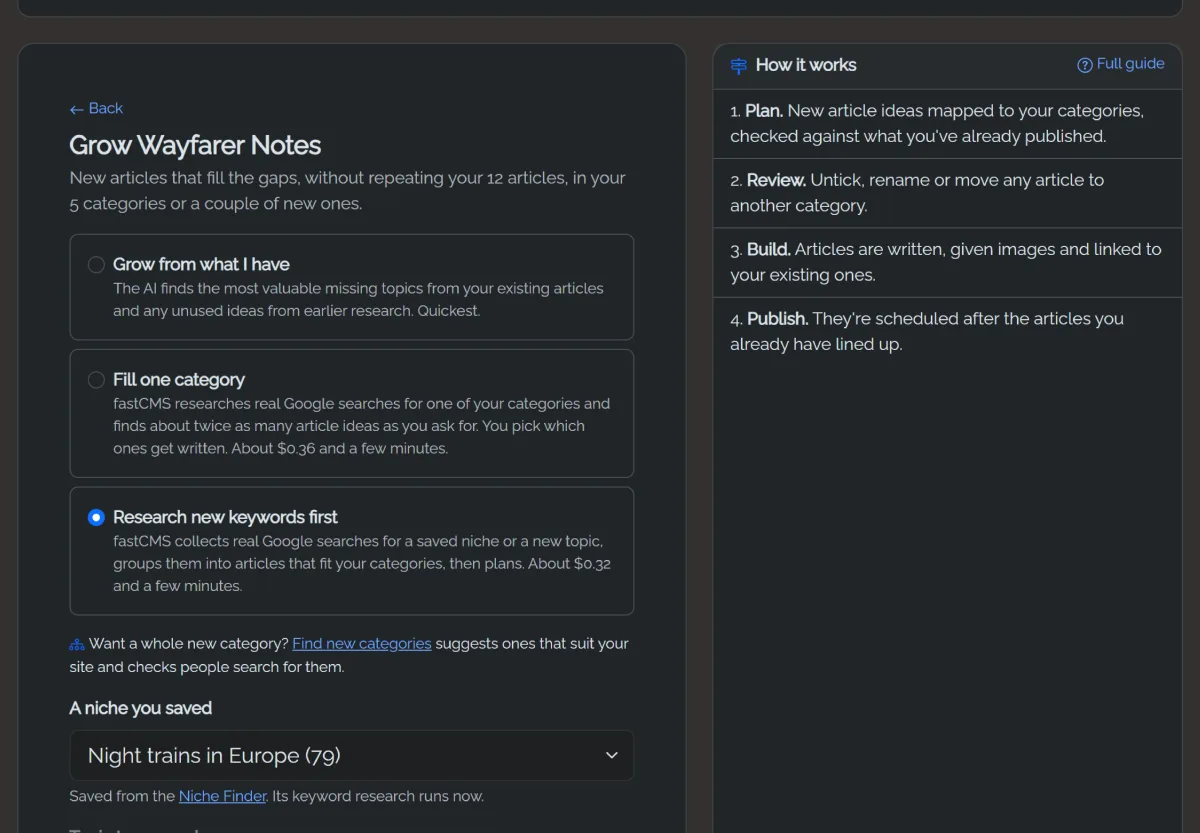
- Research new keywords first: pick a niche you saved for later in the Niche Finder, or type a new topic such as night trains. fastCMS collects real Google searches for it, groups them into articles that fit your categories (adding a new one only where needed), and opens the plan for review. About the cost of one Niche Finder keyword step, shown before you start.
Find new categories
Want a whole new category? Open Find new categories (linked from Grow this site, or the button on the Categories page). The AI reads your categories and articles and suggests about 8 new categories your readers would want next, each with example articles. fastCMS then checks real Google searches for each one and labels it Lots of searches, Some searches or Few searches, so you can see which ones people actually look for. The suggestions cost a few cents; the search check is free.
For each idea:
- Add with articles: researches its articles the same way as Fill one category. You choose which to write, and the category is only created when you build the plan (so Undo this plan removes it again).
- Save for later: keeps it on the page for another day.
- Dismiss: it won't be suggested again.
Ideas stay on the page until you use or dismiss them: Find more ideas adds new suggestions to the list, and picking one for Add with articles leaves the rest where they are. The research and plan pages for an idea have a Back to your other category ideas link.
Undo a plan
On a plan's page, Undo this plan removes the articles and pages it created, images only they used, and categories it created that end up empty. A restore point is saved first.
Delete a plan
At the bottom of a plan's page, Delete this plan removes the plan from AI Autopilot but keeps the articles and pages it created. To remove those too, use Undo this plan instead.
Restore points
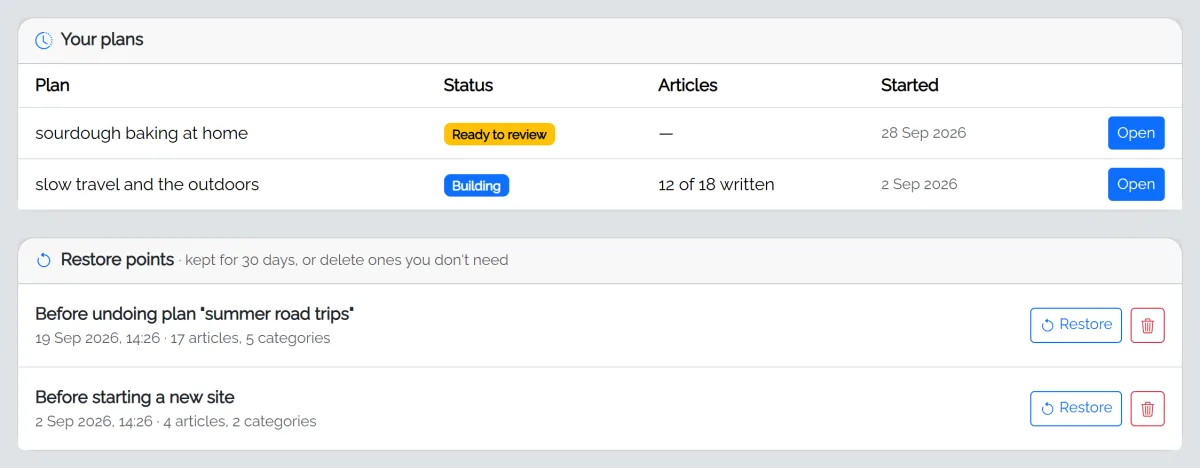
Every Start a new site and Undo saves a restore point, kept for 30 days and listed at the bottom of the AI Autopilot page. Restore puts your articles, categories, pages, images and site name back. What you have just before is saved as a restore point too, so a restore can be undone. Delete removes a restore point you no longer need.
Tips
- A focused seed ("keto baking for beginners") gives a better plan than a broad one ("food").
- Start with 20 articles, review the first few, then grow.
- Articles keep writing in the background only while an admin page is open, unless you set up cron.