

Docs · AI
Finding a niche
The niche you choose matters more than anything else about a new blog. The Niche Finder takes you from "I'm interested in coffee" to a specific sub-niche a new blog can win, with its articles planned from real searches, ready for AI Autopilot to build.
1. Tell it what to research
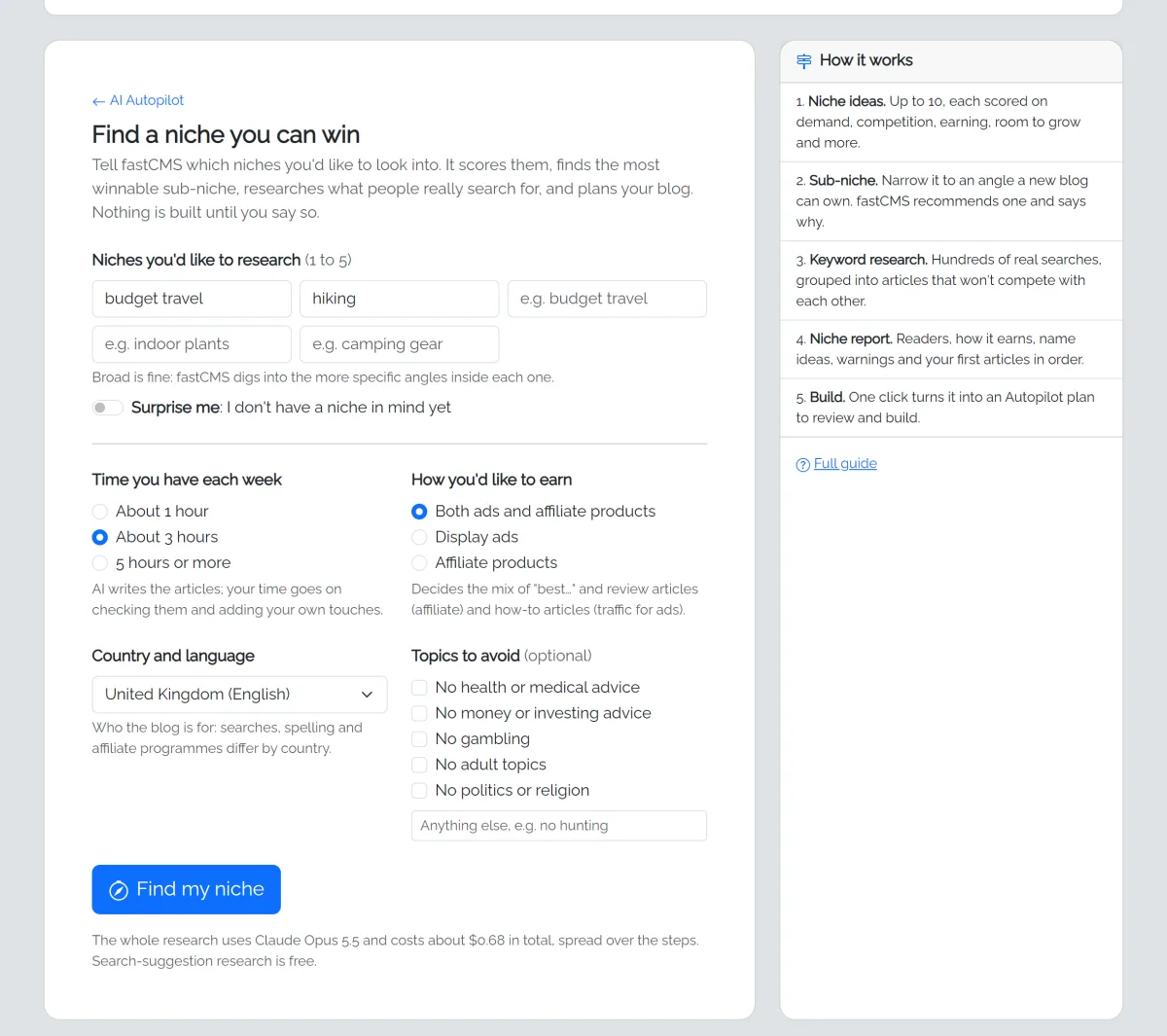
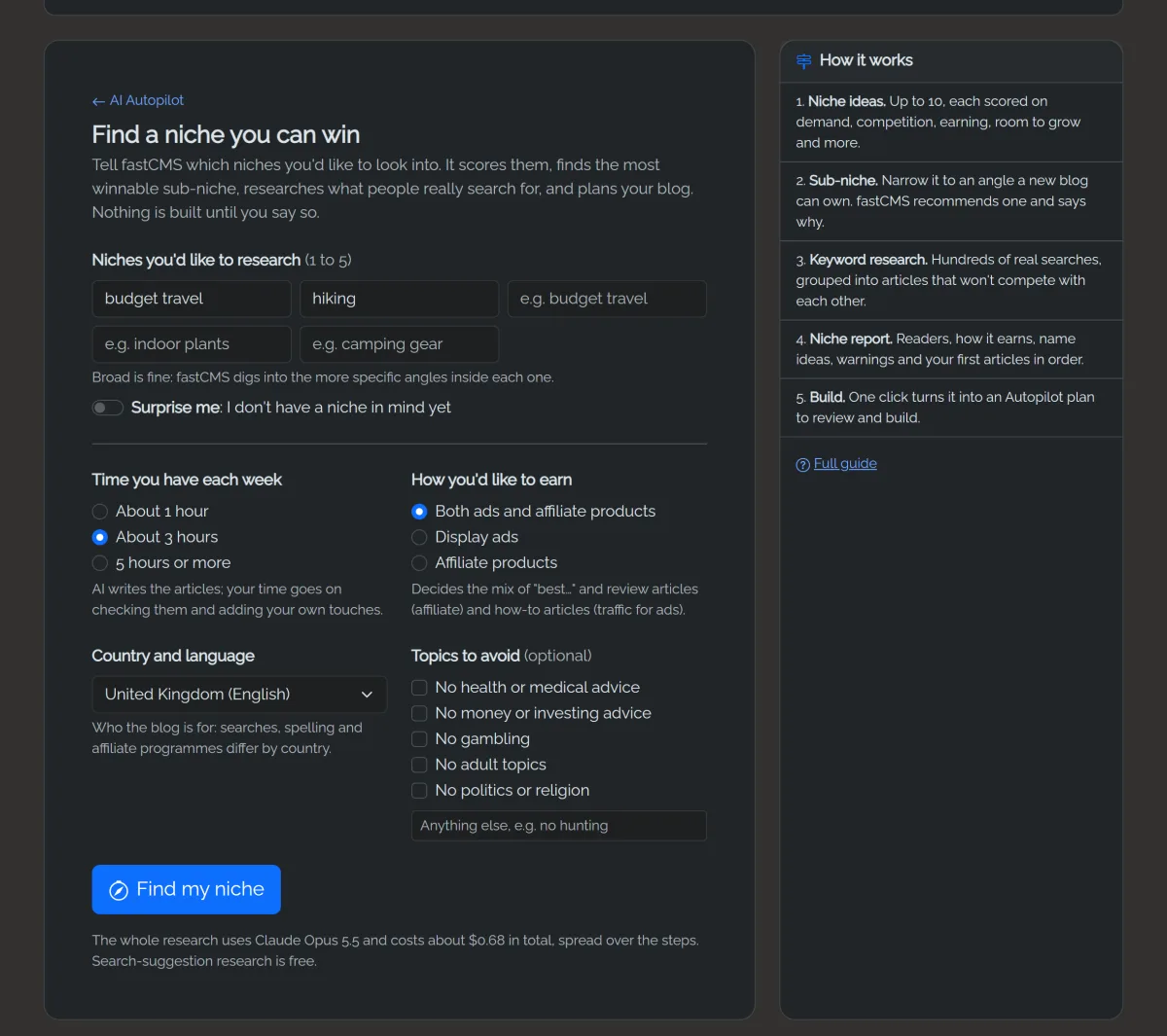
Open AI Autopilot → Help me choose a niche and fill in a short form:
- Niches you'd like to research: 1 to 5, broad is fine ("home coffee", "dog training"). Or switch on Surprise me and pick a few broad areas.
- Time you have each week: AI writes the articles; your time goes on checking them and adding your own touches.
- How you'd like to earn: ads, affiliate products or both. This sets the mix of articles: "best…" and review articles earn affiliate commission, how-to articles bring the traffic ads need.
- Country and language: who the blog is for. Searches, spelling and affiliate programmes differ.
- Topics to avoid, if any.
Not sure which interests to enter? Try them first in the free niche finder on fastcms.net. In a few seconds it shows how many real searches a topic has, the sub-niches inside it and the questions people ask, with no AI cost. Bring the most promising ones here for the full scoring and report.
2. Pick a niche
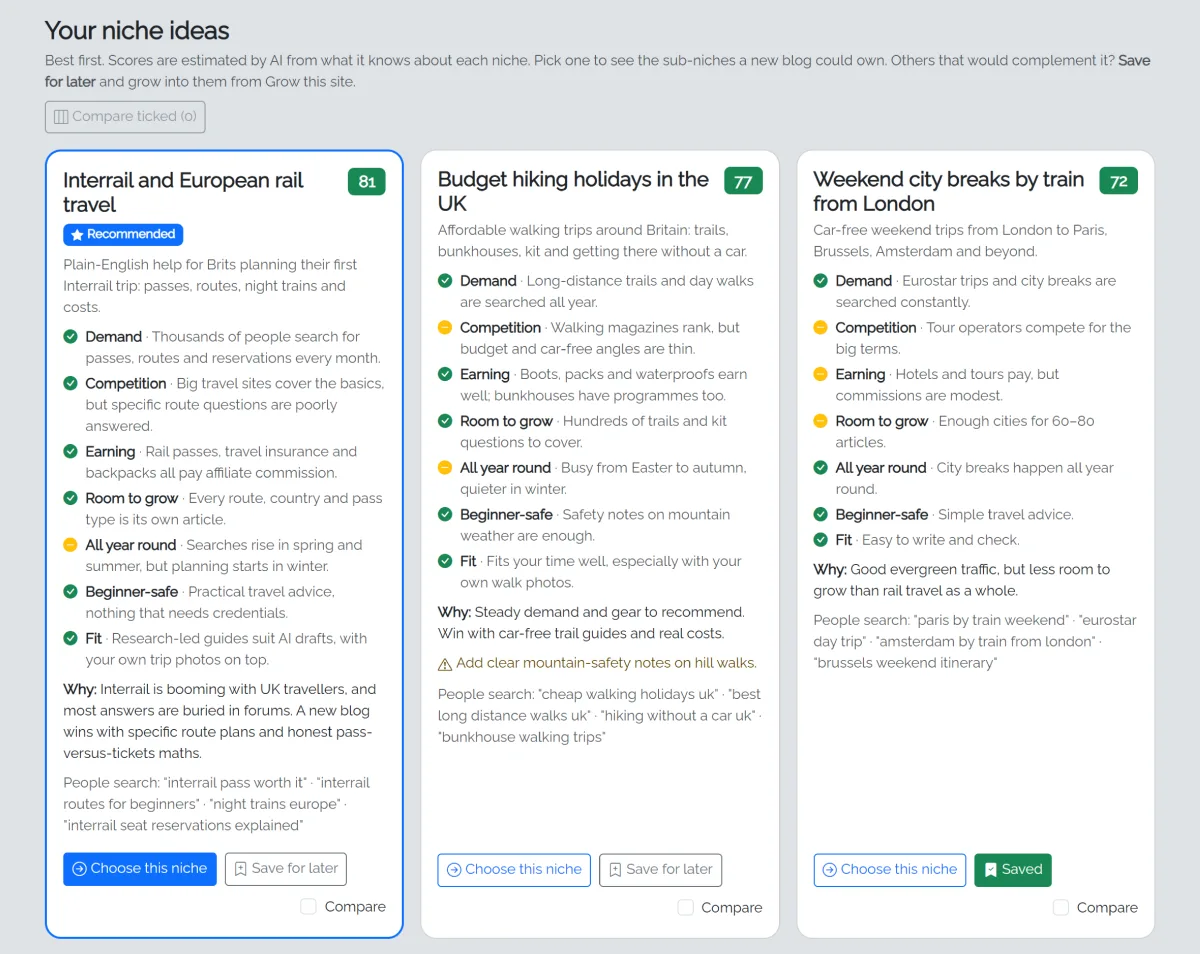
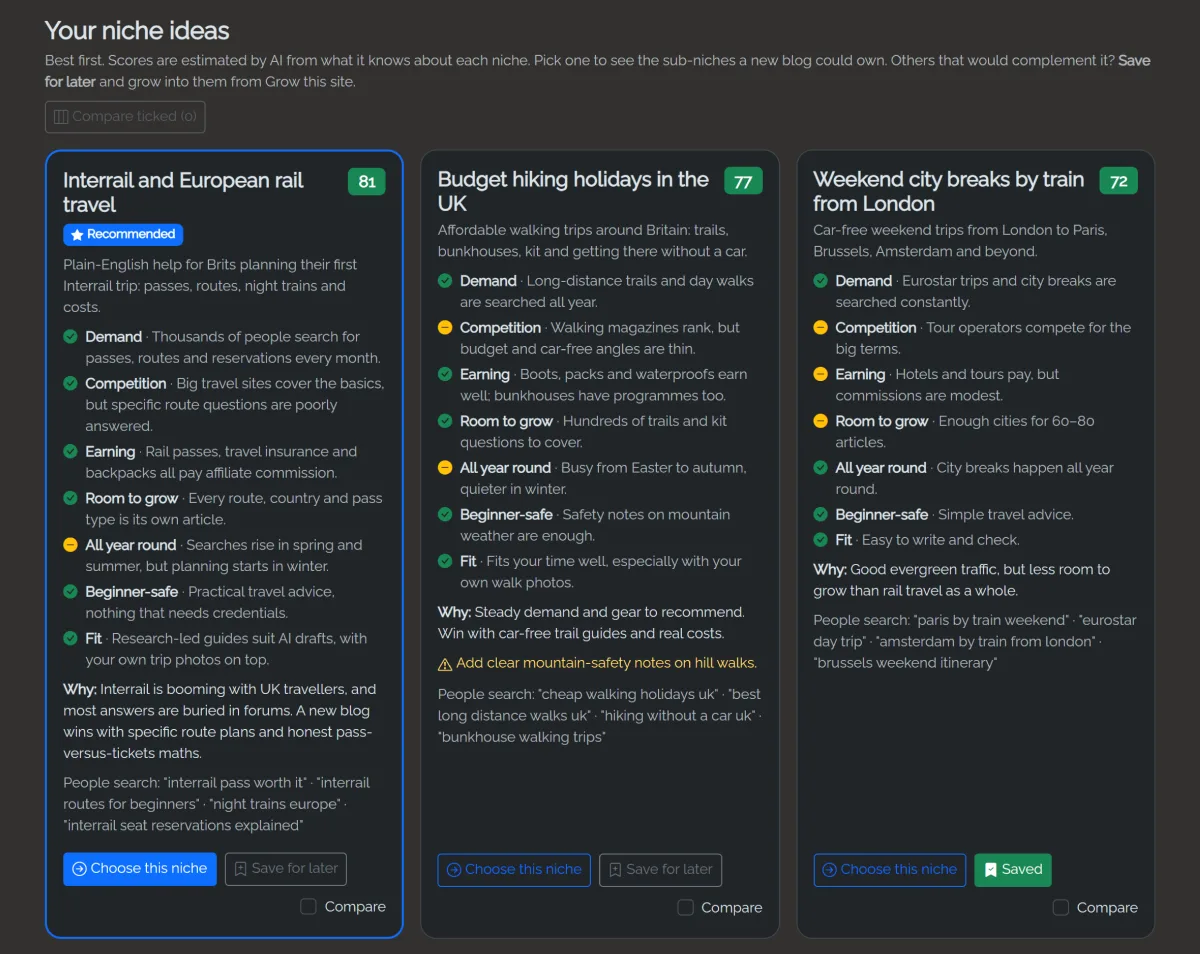
You get up to 10 niche ideas, best first, each with a scorecard:
| Line | What it tells you |
|---|---|
| Demand | Do enough people search for this? |
| Competition | Can a new blog realistically rank? |
| Earning | How valuable the readers are to advertisers, and products to recommend |
| Room to grow | Enough topics for 100+ articles? |
| All year round | Steady interest, or seasonal? |
| Beginner-safe | Free of health, money and legal advice that needs credentials Google trusts |
| Fit | Suits your time and earning goal |
Green is good, amber is OK, red is weak, each with a sentence saying why. Tick Compare on two or three to see them side by side. The scores are estimates from the AI's knowledge of each niche.
3. Narrow it to a sub-niche
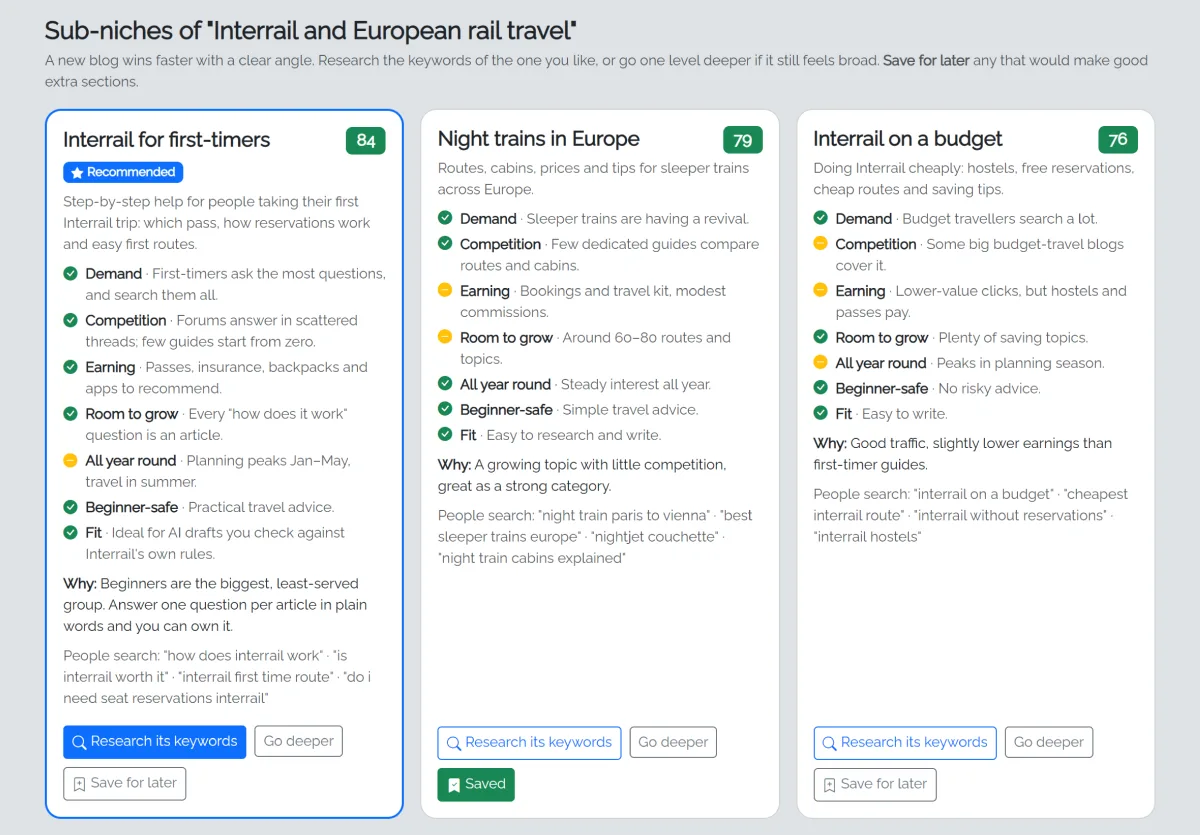
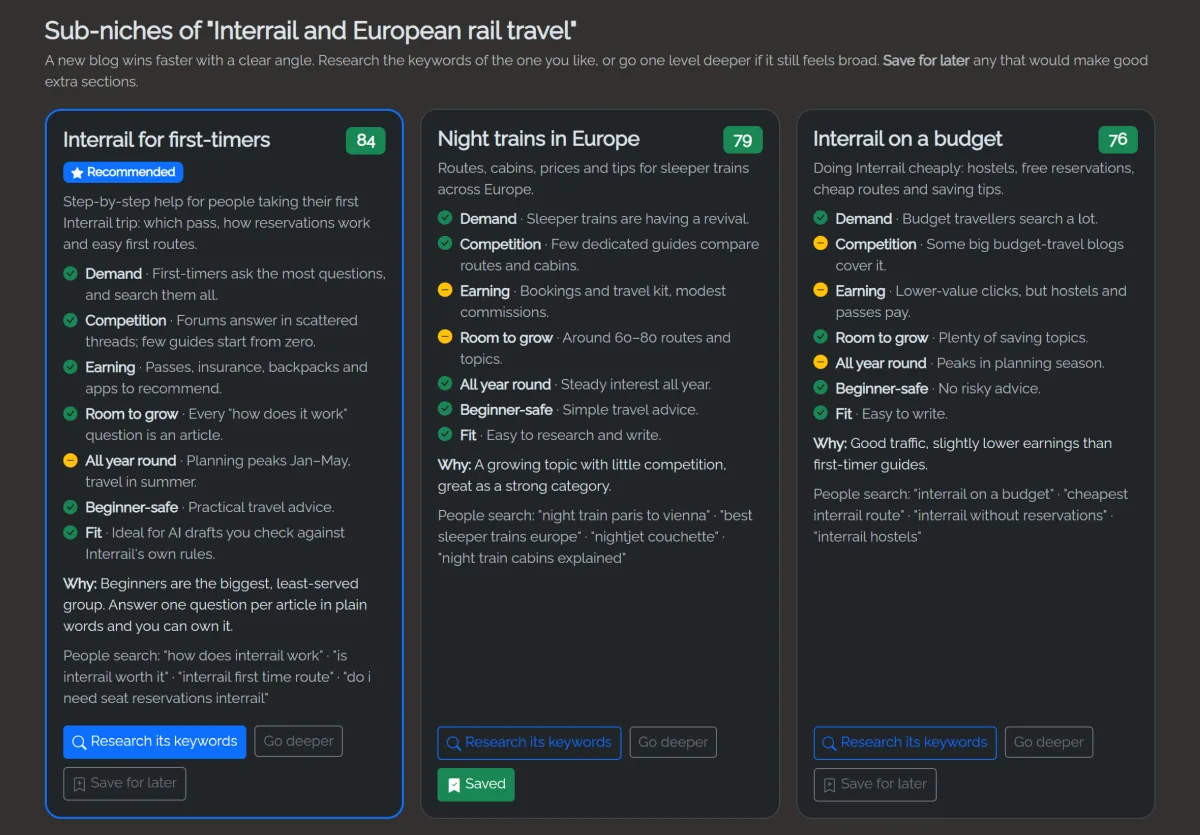
Broad niches are hard for new blogs: "dog training" competes with huge sites, "training rescue dogs" can be won. Choosing a niche shows 5 to 8 sub-niches, scored the same way, with the recommended one first. Research its keywords when one feels right, or Go deeper if it still feels broad.
4. Keyword research
fastCMS collects what people really type into Google (or Bing) about your sub-niche: it asks the search box's suggestions with question words ("how to…", "can…", "best…"), modifiers and every letter of the alphabet. That usually turns up a few hundred real searches. It's free and takes a minute or two.
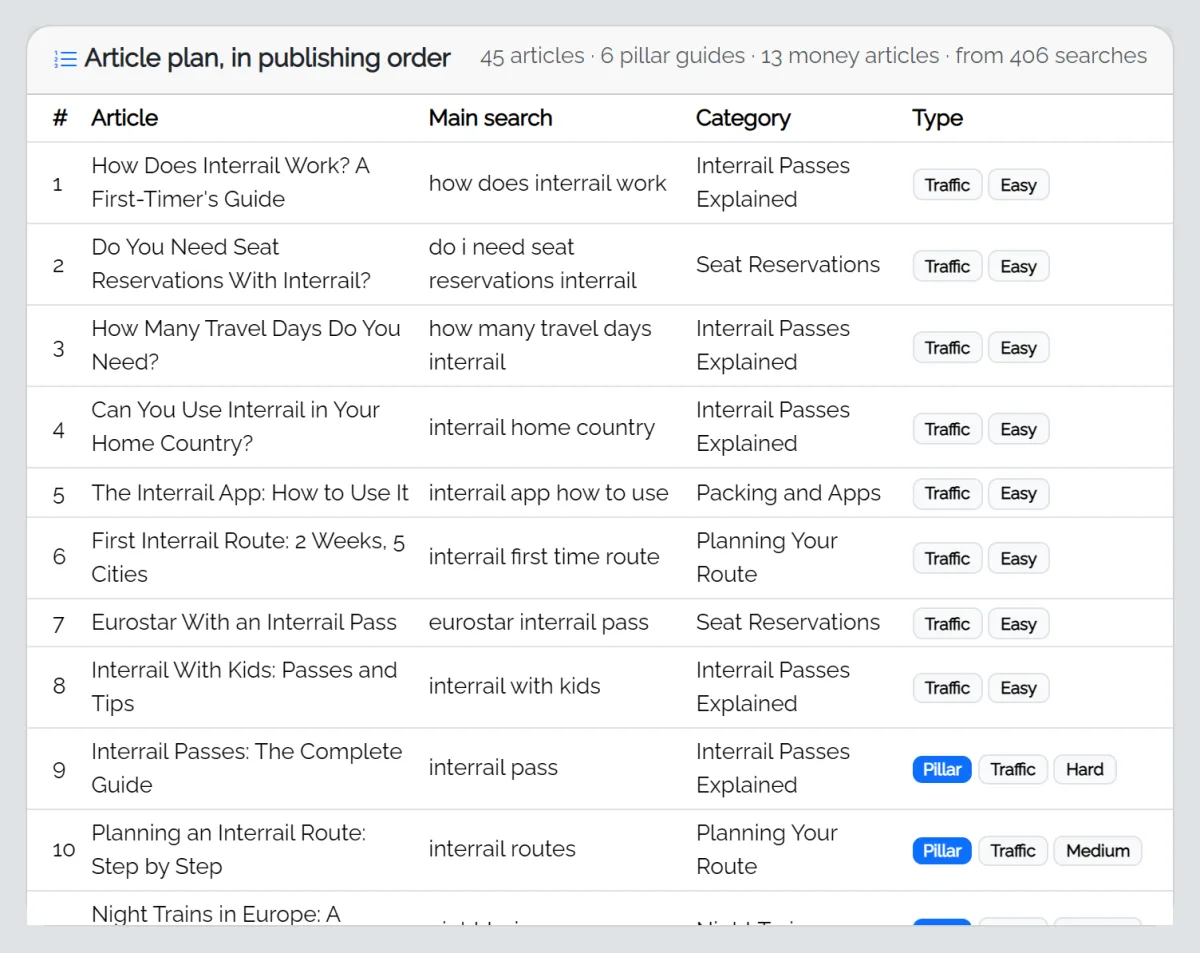
The AI then groups searches one article should answer together, so no two of your articles compete for the same search, and marks each article as:
- Pillar: the big, complete guide for a category, which the other articles link to.
- Money or Traffic: money articles ("best…", reviews, comparisons) can earn affiliate commission; traffic articles (how-to, questions) bring readers.
- Easy, Medium or Hard: how hard it is to rank. Specific questions are usually easiest for a new blog.
5. Your niche report
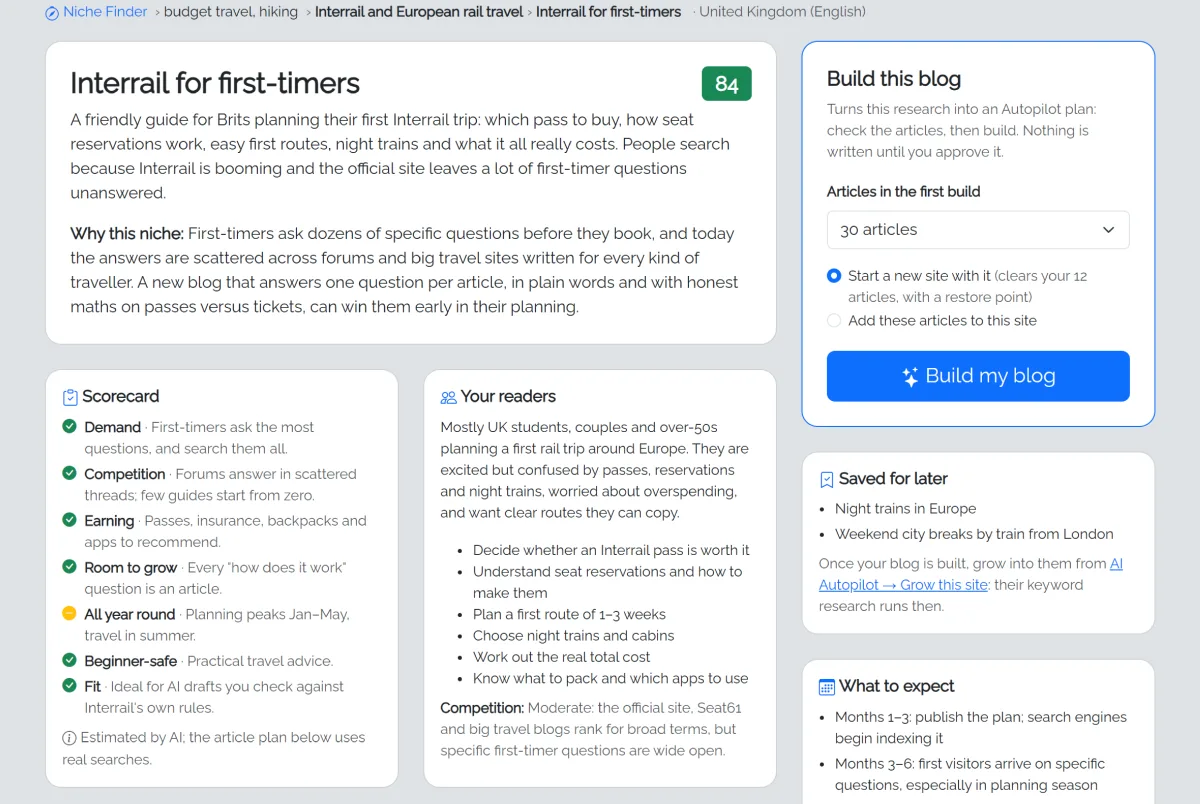
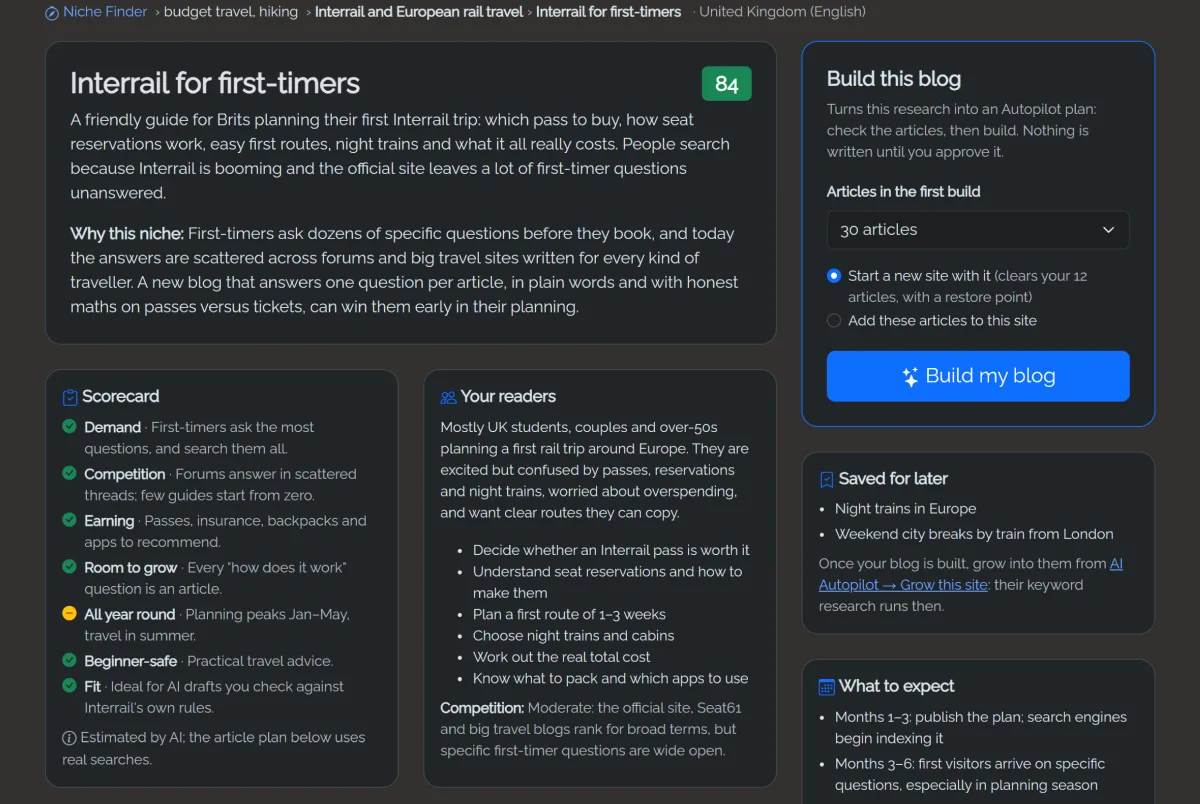
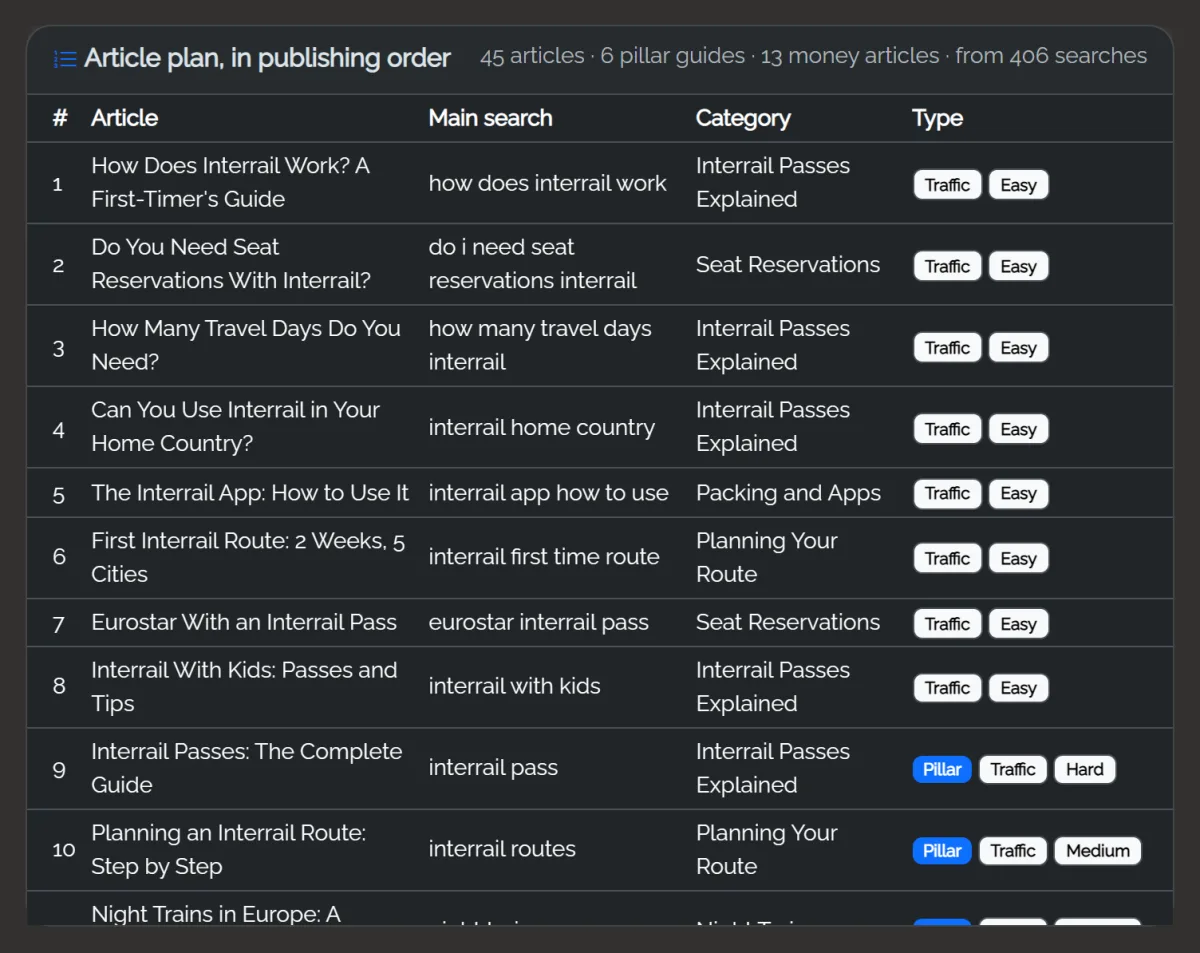
The report explains why the sub-niche is a good choice, who your readers are, how the blog can earn (with affiliate ideas), what to expect over the first months, things to watch out for, and your first steps. Below it is the whole article plan in publishing order: quick wins first, then each category's pillar guide, then the rest, with money articles spread through.
Save niches for later
Often two or three of the ideas would complement each other: night trains and budget Interrail alongside Interrail for first-timers, say. Click Save for later on any niche idea or sub-niche card (it turns into Saved; click again to un-save). Saved niches are listed on your report.
Nothing is paid for until you use one: once your blog is built, open AI Autopilot → Grow this site → Research new keywords first and pick it. Its keyword research runs then, so the searches are fresh, and the new articles fit into your existing categories.
6. Build my blog
Choose how many articles to build first and click Build my blog. You land on AI Autopilot's review screen with everything filled in: check the site description and image style, untick anything you don't want, choose images and Co-pilot or Autopilot, then build. Each article is written for its real main search and also answers the related searches grouped with it.
If your site already has articles, choose Start a new site with it (clears them, with a restore point) or Add these articles to this site.
The article ideas you didn't build aren't wasted: Grow this site uses them first when you plan more articles later.
Costs
The research uses your planning AI model (Settings → AI): about the same as planning a blog, shown before you start, and counted in your monthly AI budget. Collecting search suggestions is free.
If something goes wrong
- "This step didn't finish": usually a busy AI provider. Click Try again; your earlier choices are kept.
- "Search suggestions weren't available": Google and Bing didn't answer, so the AI suggested the searches itself. The plan still works; the searches just aren't confirmed.