

Docs · AI
AI providers, models and costs
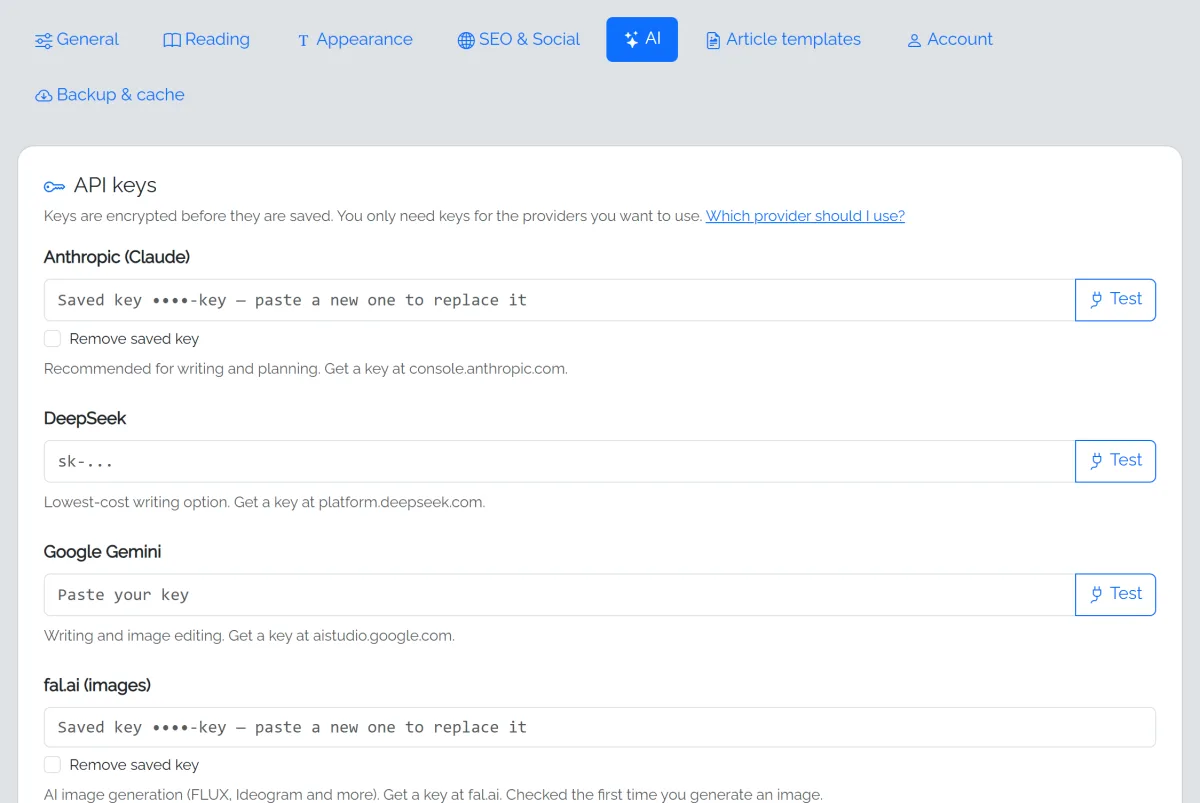
fastCMS works with three AI providers. You only need one key; add more and fastCMS picks the right model for each job.
| Provider | Best for | Get a key |
|---|---|---|
| Anthropic (Claude) | The best writing and planning; half-price batch writing | console.anthropic.com |
| Google Gemini | Good quality at a lower price | aistudio.google.com |
| DeepSeek | The cheapest | platform.deepseek.com |
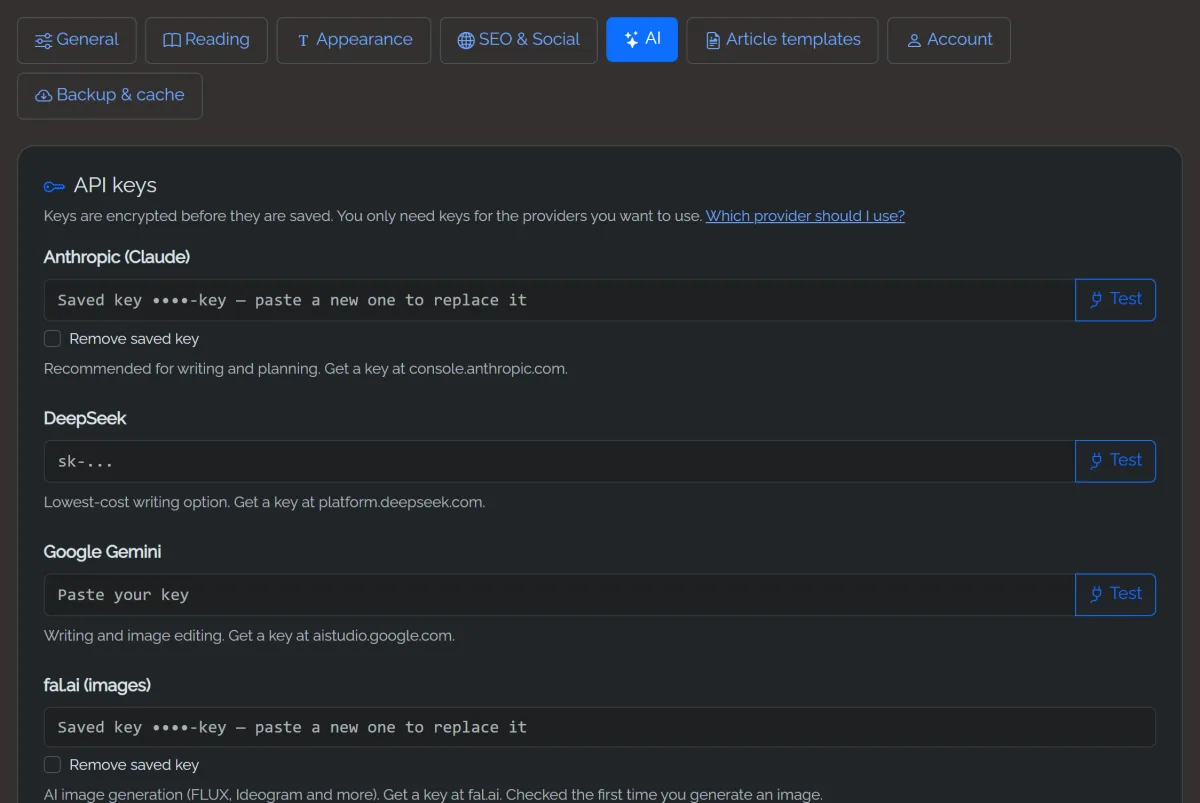
Paste keys in Settings → AI and click Test to check each one. Keys are encrypted before they're saved.
Quality presets
Each task uses a model that suits it:
- Planning (blueprints): a strong model, used rarely.
- Writing articles: the biggest cost, since articles are long.
- Editing selected text: rewrite, shorten, expand and so on.
- Short tasks: summaries, search titles, alt text.
Pick Balanced (recommended), Budget or Premium, or Custom to choose each model yourself. The What will run table updates as you change the options, before you save, and shows the estimated cost per article. If a chosen model's provider has no key, fastCMS uses the next best model that does.
What things cost
Roughly, per article of about 2,000 words:
- Budget models: under $0.01
- Balanced (Claude Sonnet): about $0.07
- Premium (Claude Opus): about $0.14
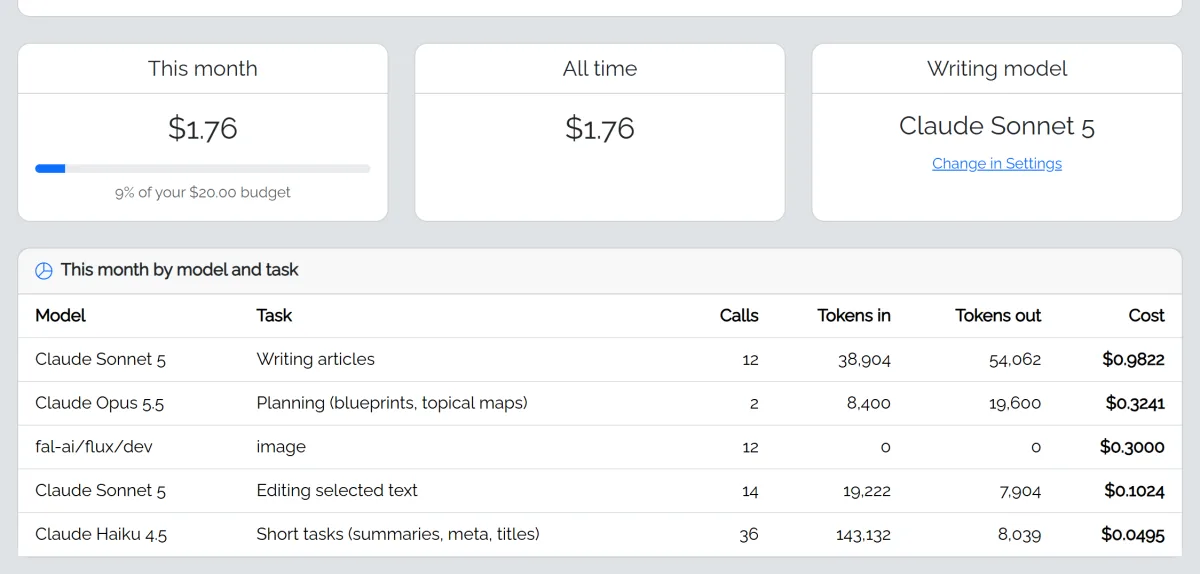
Add images (see Images) and a little for the summary and search details. AI Autopilot shows an estimate before you build.
Batch writing (Claude only) writes a whole plan at half the writing cost; articles are ready within about an hour instead of one every few minutes.
The monthly budget
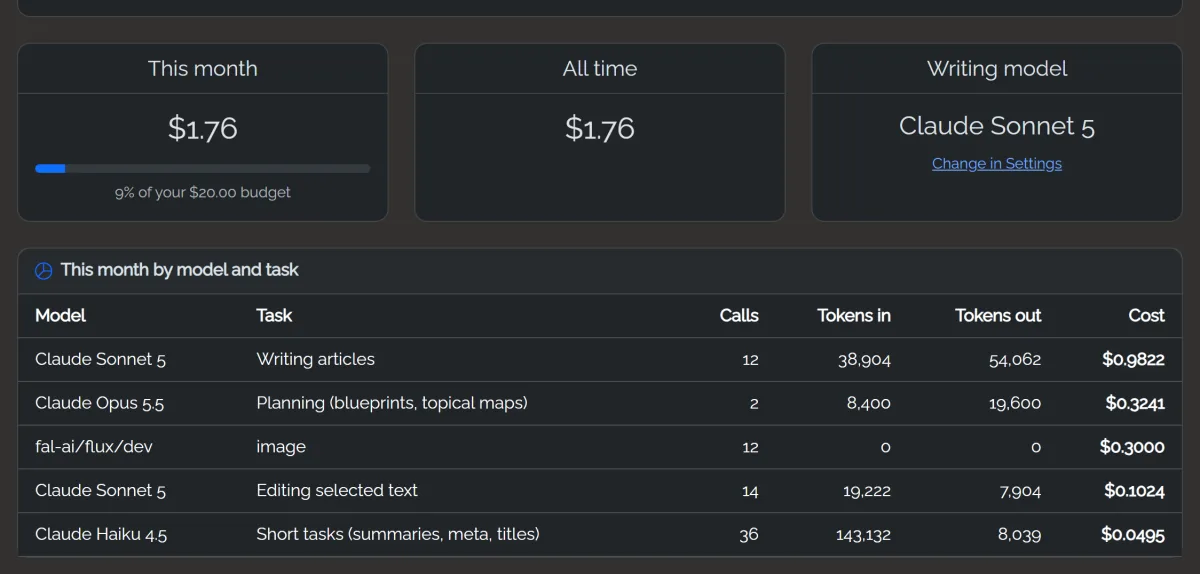
AI stops for the rest of the month when spending reaches your budget, so nothing runs away. Change it in Settings → AI. Every call and its cost is listed in AI Activity. Your provider's invoice is the final word; fastCMS estimates from list prices.
Writing style
The house style box in Settings → AI is added to every writing request. Use it for tone and rules, for example: Write for busy parents. Short paragraphs. Never recommend specific medicines.