

Docs · Earn & grow
Earning from your blog
Everything is on the Monetization page.
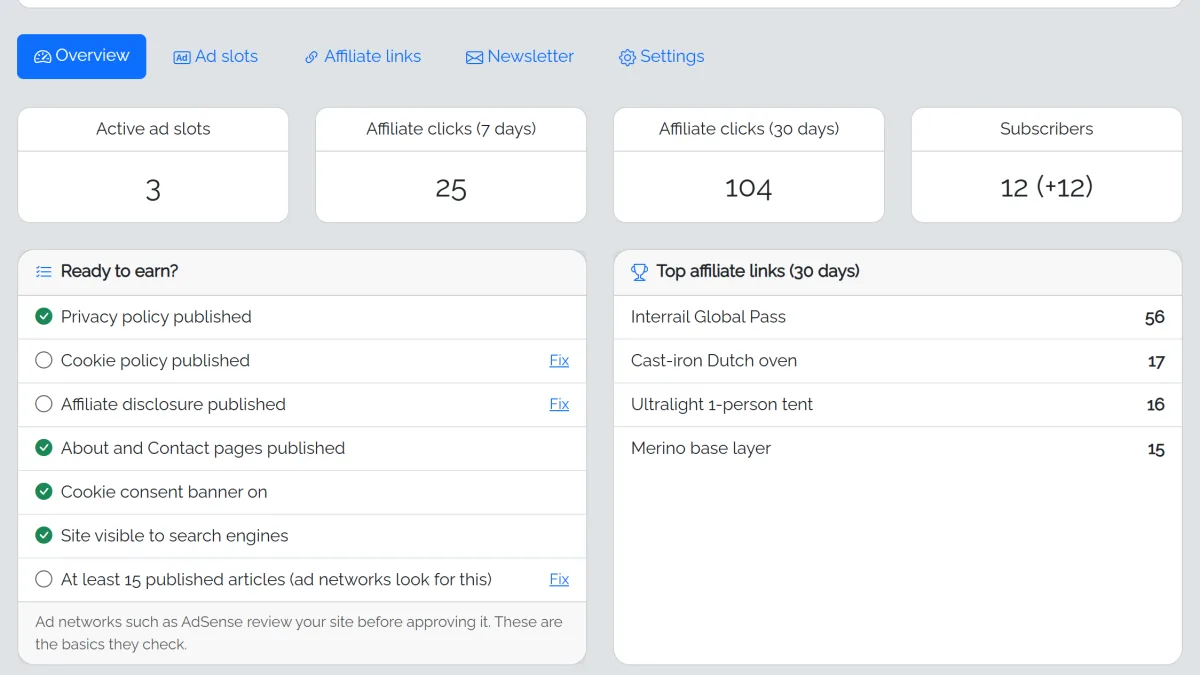
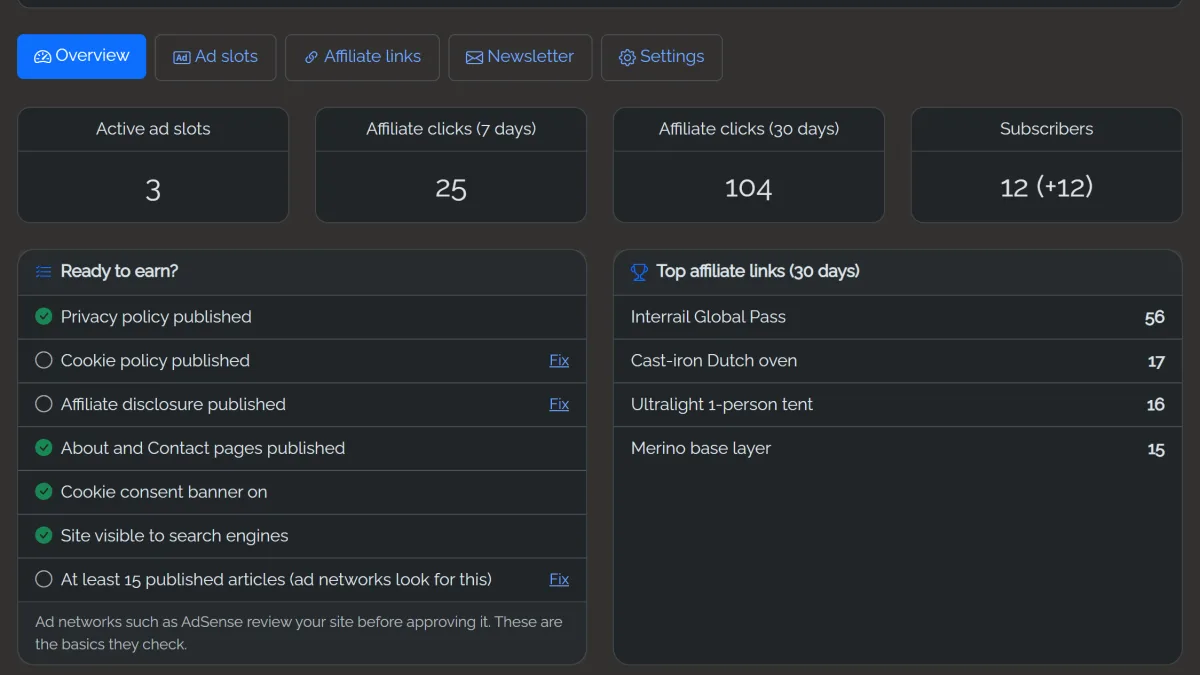
Ads
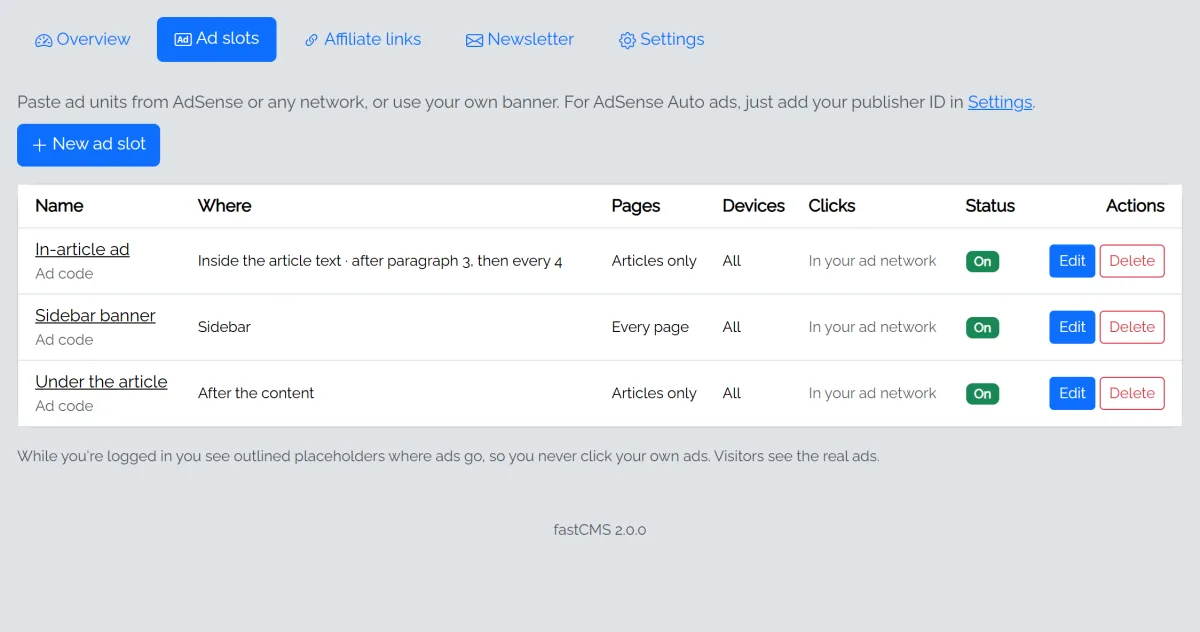
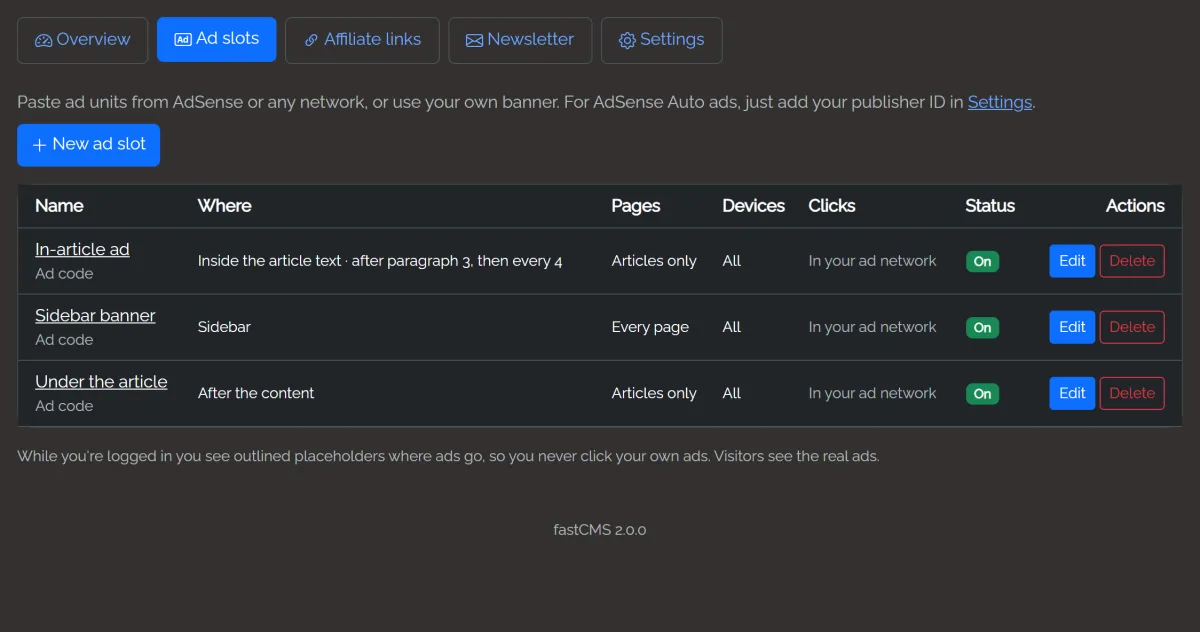
Add ad slots and choose where each appears: above or under the header, top of the content, inside the article text, after the content, the sidebar or the footer, and on which pages. A slot can hold ad code (for example from AdSense or another network) or your own image and link. Clicks on image banners are counted (not yours, not search engines, and not repeat clicks within a minute) and shown in the ad slots list for the last 30 days and in total. Ad networks count clicks on their own ads in their dashboards.
For Google AdSense, enter your publisher ID in Monetization → Settings: fastCMS turns on AdSense Auto ads and adds your line to ads.txt for you. Lines for other ad networks go in Extra ads.txt lines. Ads are hidden while you're logged in, so you don't click your own ads by mistake.
Affiliate links
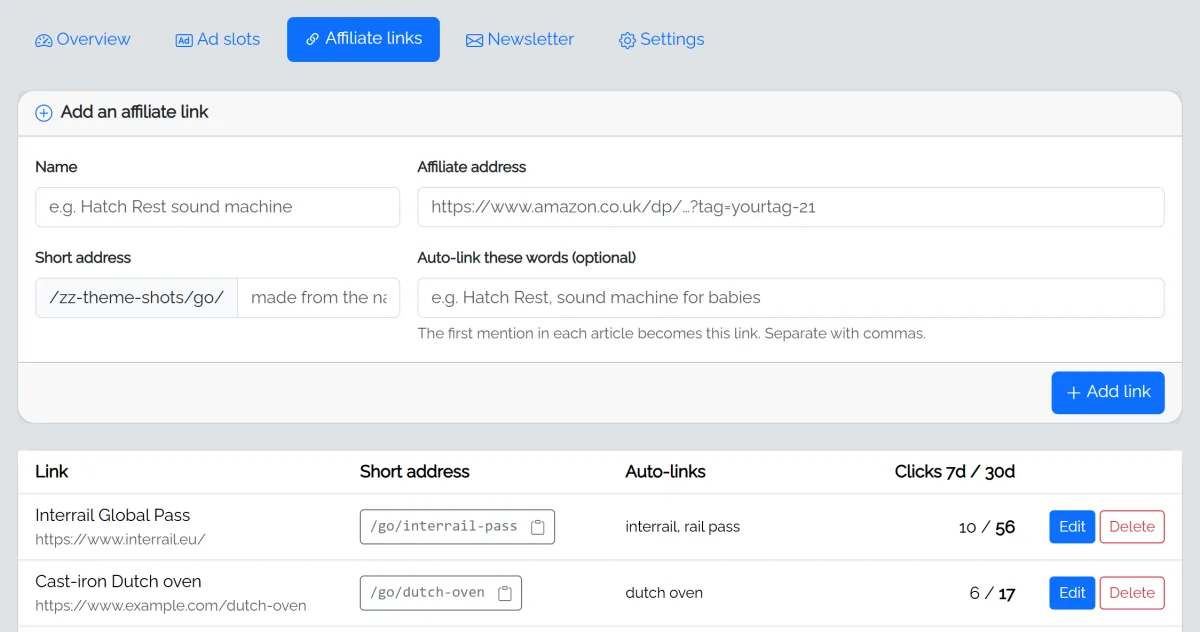
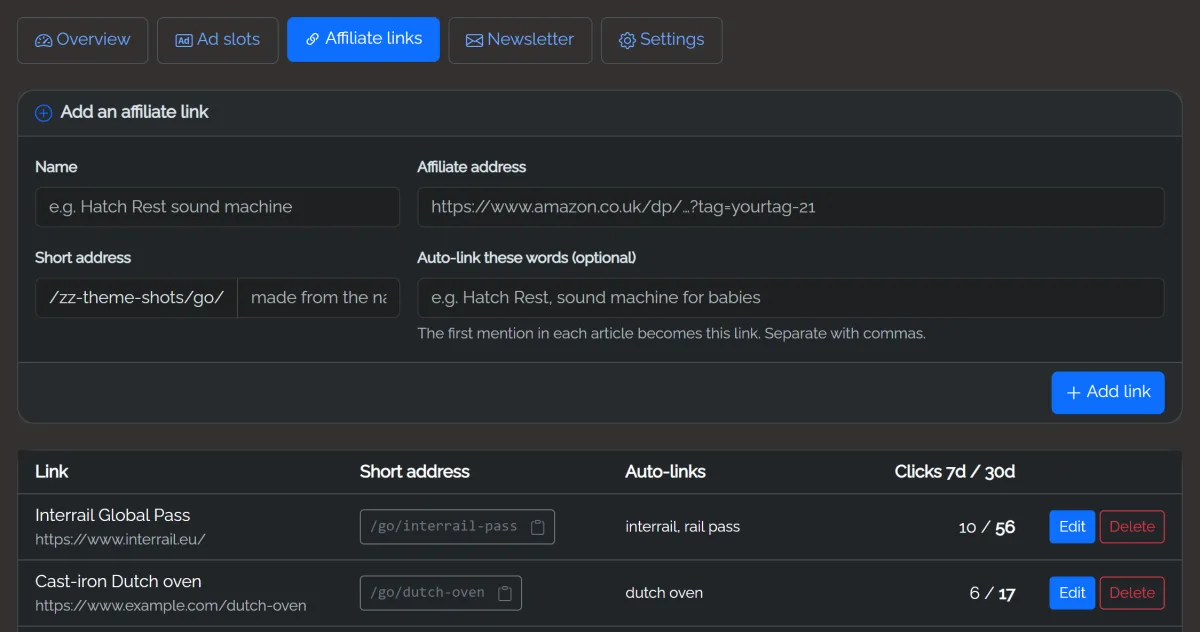
Add an affiliate link once and get a short address such as /go/best-headphones. Use it anywhere; if the programme changes, update the link in one place. fastCMS counts clicks (not from you or bots) and shows your top links.
Auto-link words: list words (for example noise machine) and the first mention in each article becomes the affiliate link automatically, up to a limit per article.
An affiliate disclosure is added to articles that contain affiliate links. You can change its wording in Monetization → Settings.
Cookie banner
When ads or Google Analytics are on, a cookie banner asks visitors for consent (Google Consent Mode v2). Visitors can change their choice with Cookie settings in the footer. Check your local rules; the banner text is editable.
Email sign-ups
Turn on the sign-up box to collect emails after articles and in the sidebar. Sign-ups are listed on the Monetization page and can be exported as CSV for your email service. You can paste your email provider's own form instead.
Pages ad networks expect
AdSense and most affiliate programmes want About, Contact, Privacy Policy and Affiliate Disclosure pages. AI Autopilot writes these for you, and your details fill in from Settings → General.