

Everything a blog needs. Nothing it doesn't.
fastCMS finds your niche, then plans, writes, illustrates, publishes, earns and grows, while pages stay as light as they were in version 1.
Not sure what to blog about? Start here.
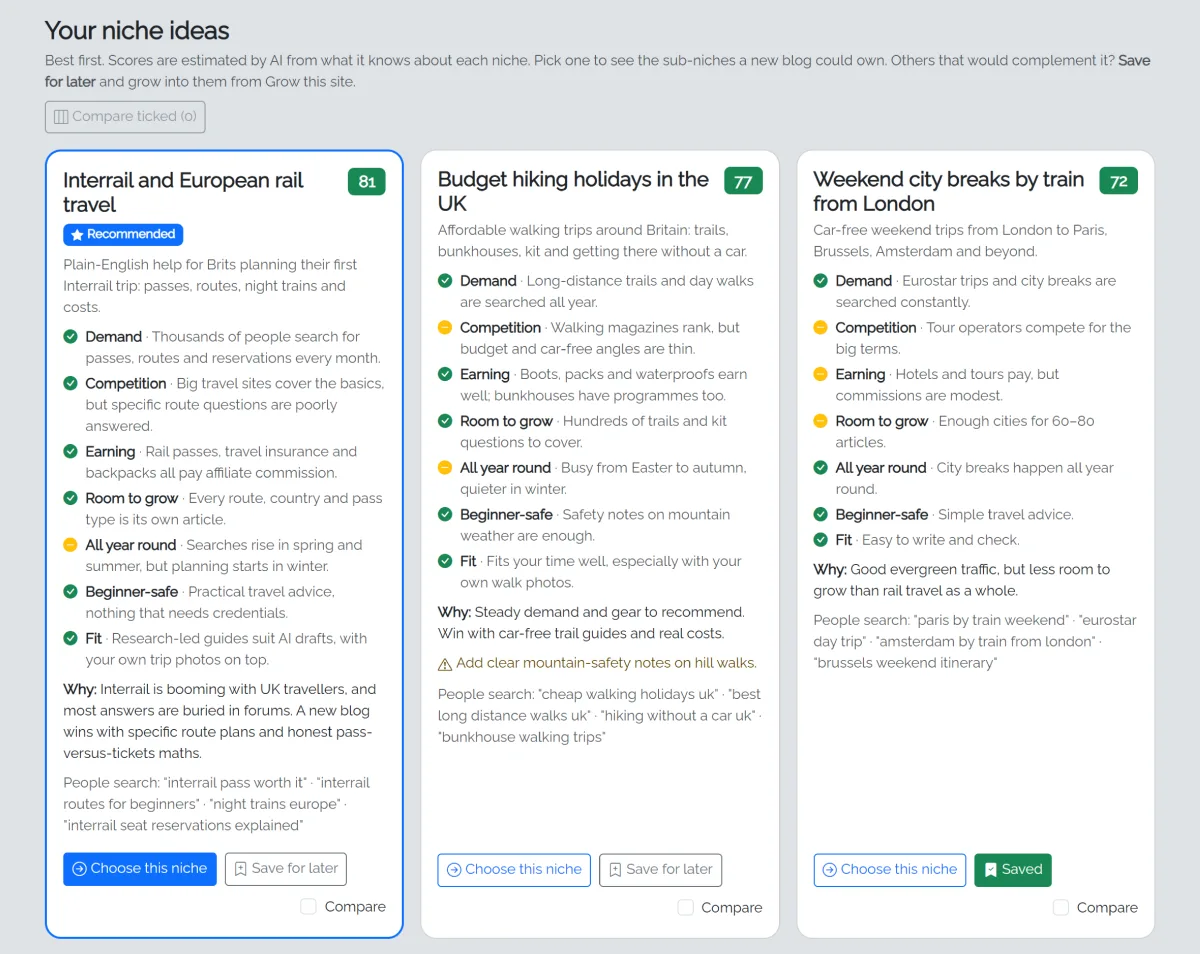
The niche decides whether a blog ever earns. Name a few niches you're curious about and fastCMS does the research a seasoned niche-site builder would, in plain English.
- Up to 10 niche ideas, scored on demand, competition, earning, room to grow, seasonality, beginner safety and fit, each with a one-line reason. Compare any three side by side.
- A sub-niche a new blog can win. "Dog training" competes with giants; "training rescue dogs" can be owned. fastCMS recommends one and says why.
- Real keyword research, free. Hundreds of real Google searches, grouped into articles that never compete with each other, marked pillar, money or traffic, easy to hard.
- A niche report: who your readers are, how the blog earns, affiliate ideas, warnings and a realistic timeline.
- Build my blog turns it into an Autopilot plan in one click, quick wins first.
- Save for later. Spotted two or three niches that would sit well together? Save them, and grow your blog into each one when you're ready.
A whole blog from your niche
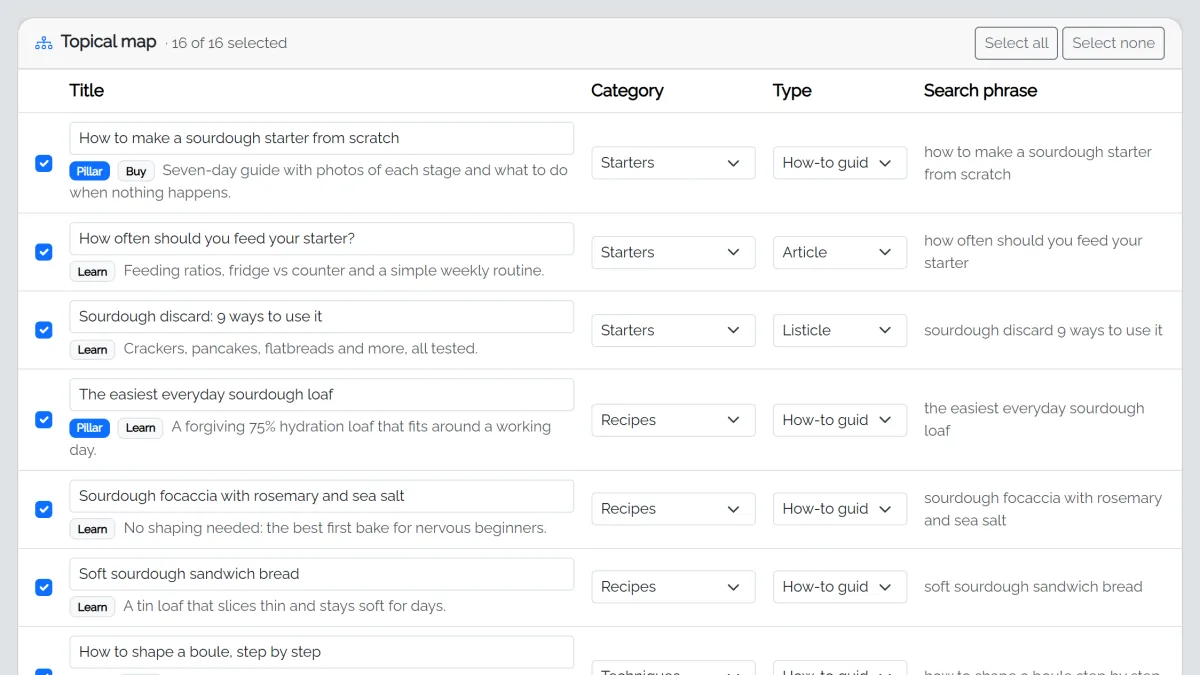
Start from your Niche Finder report, or a seed you already have, such as trail running for beginners. You get categories and a topical map with pillar guides and the articles that link to them.
- Review everything first: untick, rename or move articles. Nothing is written until you click Build my blog.
- Autopilot publishes on your schedule: a few straight away, then so many per week.
- Co-pilot writes every article straight away and you choose: publish each one as soon as it's written, or keep it in Pending for you to approve.
- Standard pages written for you: About, Contact, Privacy, Terms, Affiliate disclosure and Cookie policy.
- Grow this site plans more articles later, without repeating what you have: from your existing articles, for one category, or with fresh keyword research for a saved niche or a new topic.
- Undo this plan, Start a new site and 30-day restore points make it safe to experiment.
Know what to write next
Once your blog is live, the hard part is knowing what to add. fastCMS works it out from real searches, and you choose.
- Fill one category. Pick a category, or click Grow next to it, and fastCMS researches what people search for in it on your blog. On a coffee blog, "Reviews" means coffee gear reviews, not reviews of everything.
- More ideas than you need. You get about twice as many article ideas as you asked for, with the best ones ticked. Untick, rename or swap them; only the ticked ones are written.
- Find new categories. The AI reads your site and suggests categories your readers would want next, each with example articles.
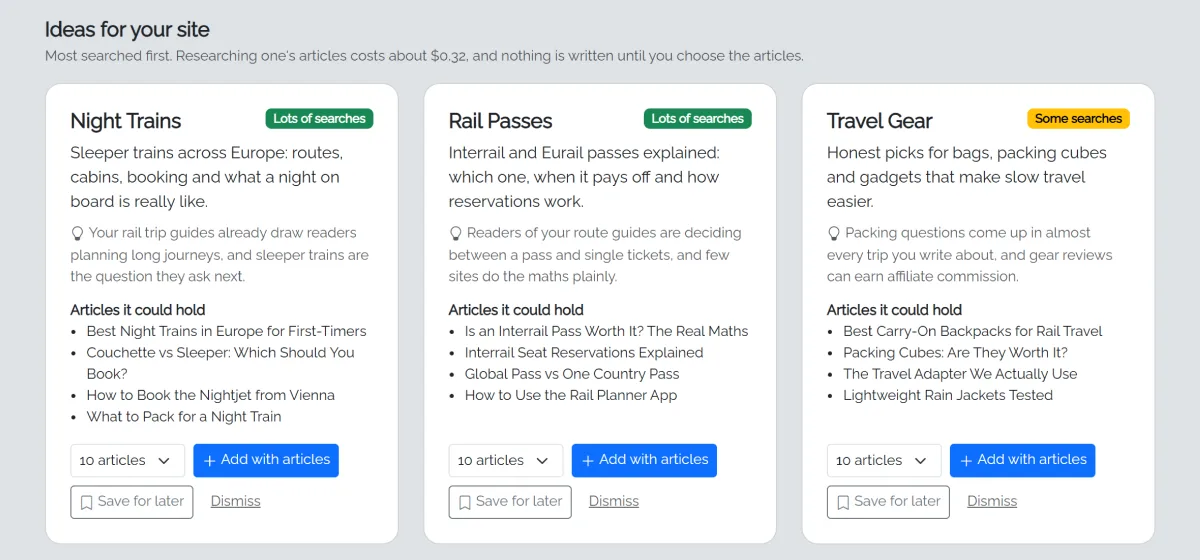
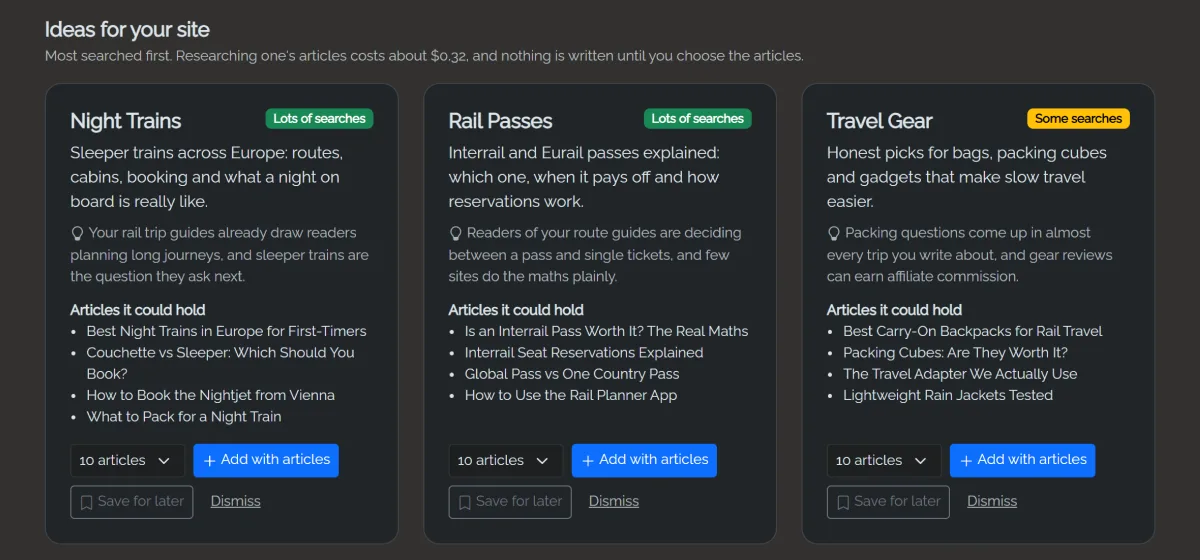
- Checked against real searches. Each suggestion is labelled Lots of searches, Some searches or Few searches from real Google suggestions, so you don't build a category nobody looks for. That check is free.
- Safe to try. A new category is only created when you build its plan, and Undo this plan removes it again.
Finding category ideas costs a few cents. Researching a category's articles costs about $0.35 with Claude Opus, shown before you start.
Your AI, your key, your budget
Bring a key from Anthropic (Claude, recommended), Google Gemini or DeepSeek. You pay the provider directly, usually cents per article. Keys are encrypted before they're saved.
- Quality presets: Budget, Balanced, Premium or Custom, with the right model for planning, writing, editing and short tasks.
- Costs shown up front: an estimate per article and per plan before anything runs.
- A monthly budget cap (new sites start at $10) stops all AI when reached.
- Batch writing with Claude halves the writing cost of a whole plan, with live progress while it works.
- House style: one box for tone and rules, added to every request.
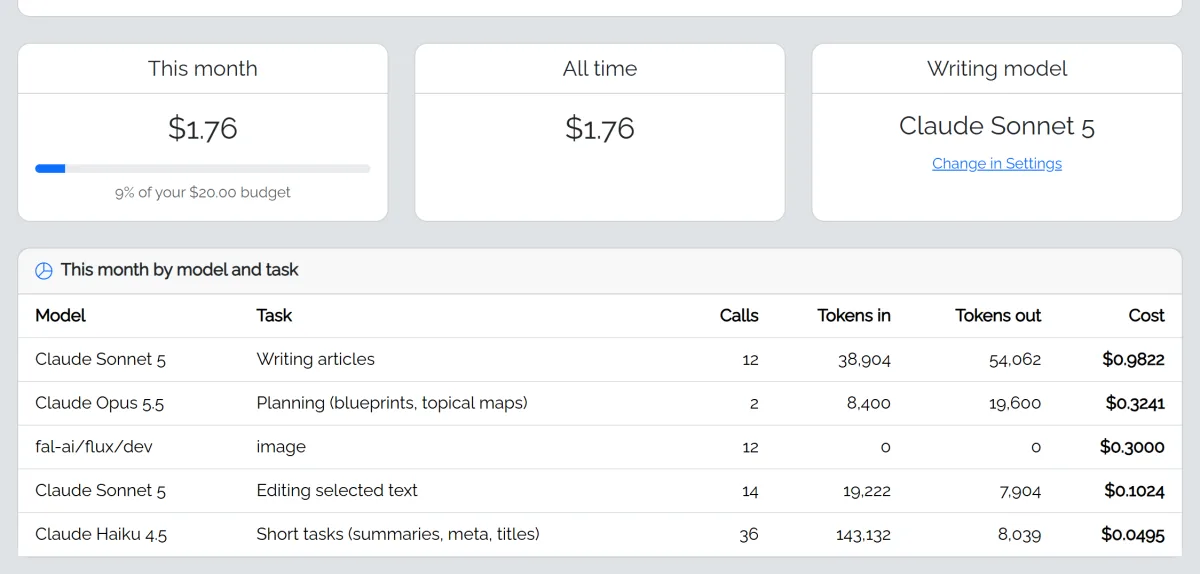
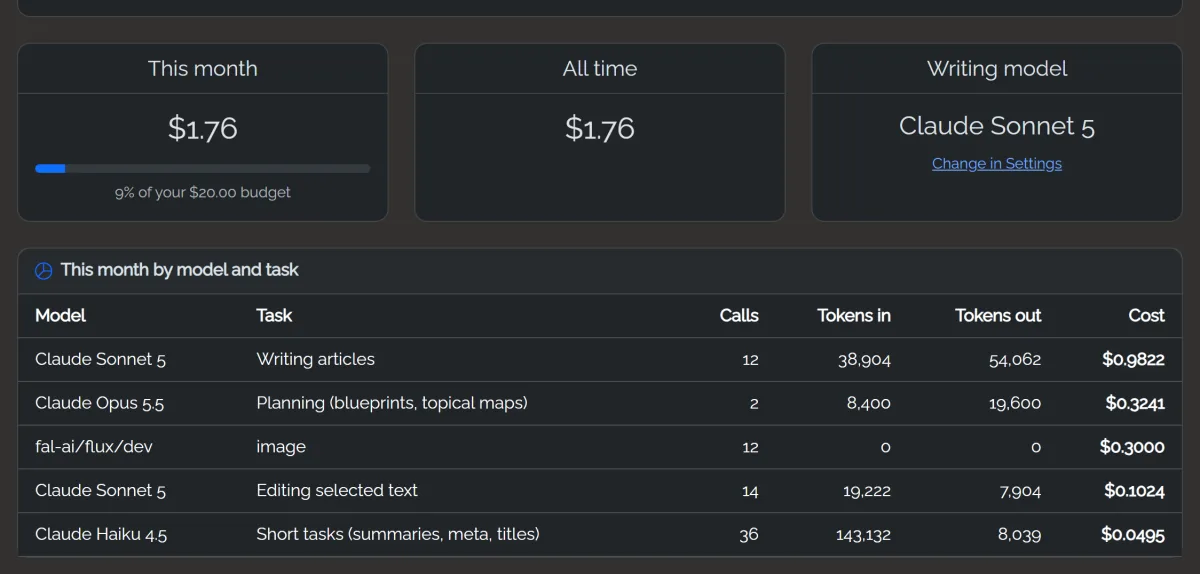
| Preset (2,000-word article) | Approx. cost |
|---|---|
| Budget models | under $0.01 |
| Balanced (Claude Sonnet) | about $0.07 |
| Premium (Claude Opus) | about $0.14 |
| Batch writing with Claude | half the writing cost |
An editor with AI built in
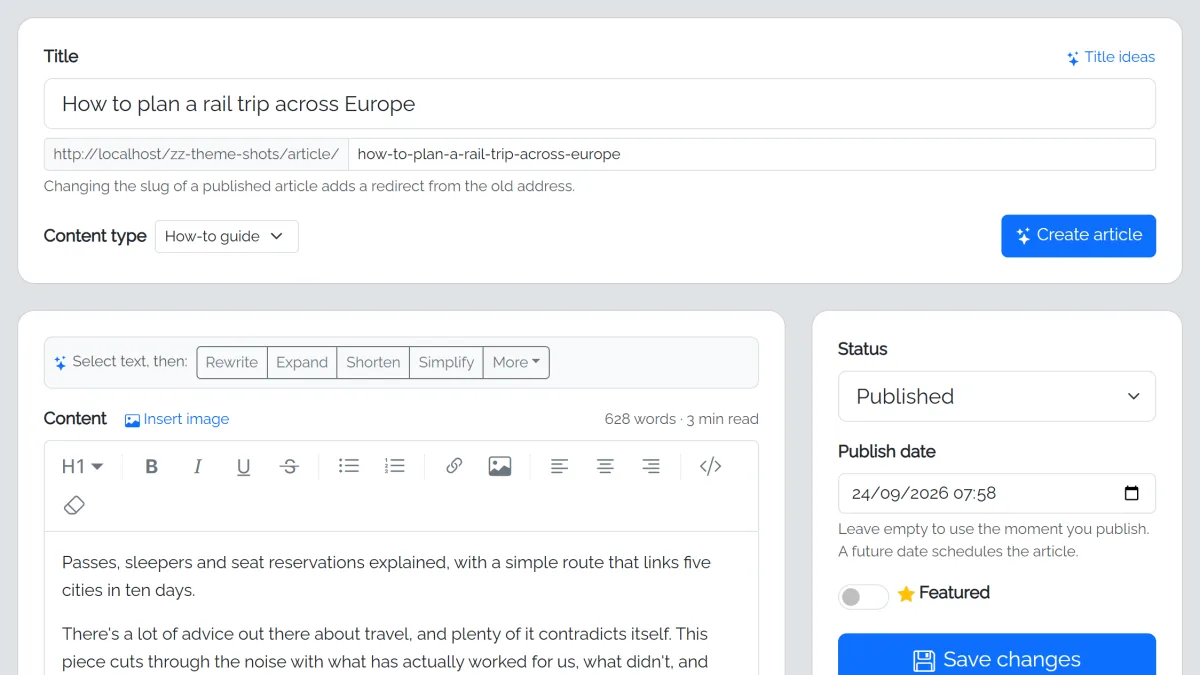
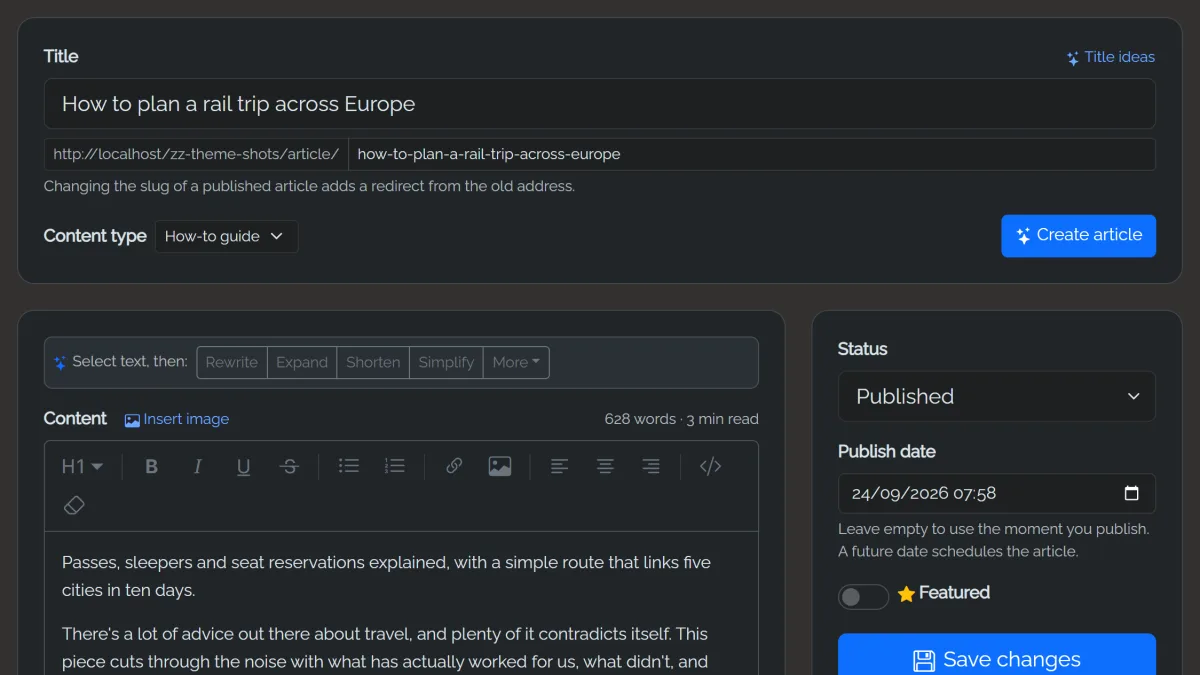
Pick a content type, get title ideas, then click Create article and the AI drafts it from your title, search phrase and notes. Or write it yourself. Select any text to rewrite, expand, shorten or simplify it, change its tone or fix spelling and grammar.
- Four content types: Article, Listicle, Review (pros, cons and a verdict) and How-to guide.
- Article templates you can edit: the sections, length and title style for each type.
- AI fills in summaries, search titles and search descriptions.
- Draft, Pending and Published statuses, plus scheduled publishing.
- Full revision history, including every AI change.
- Legal pages fill in your name, email, country and dates automatically.
- Categories, pages, slug redirects and a custom home page.
Every article illustrated, automatically
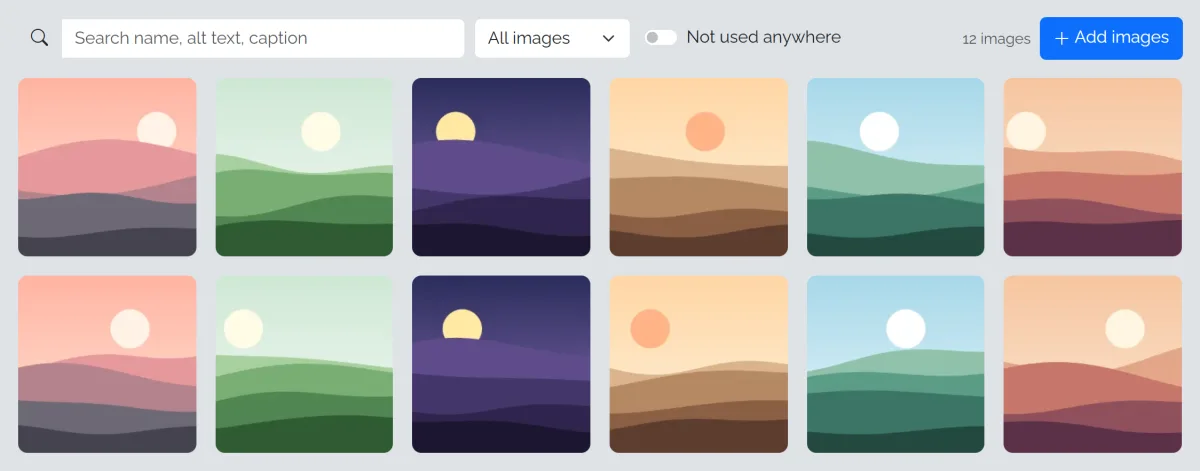
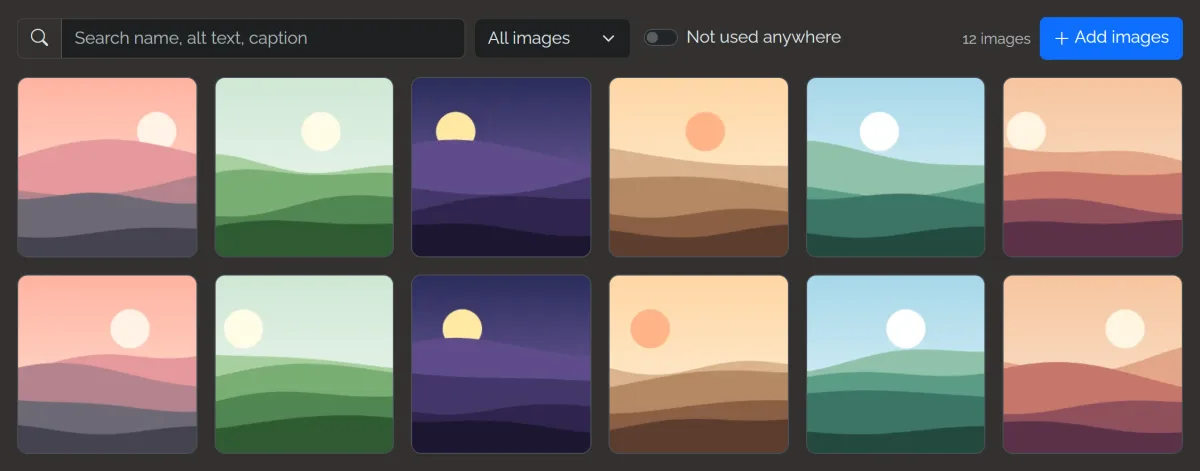
Autopilot adds a featured image to every article. A shared image style keeps AI pictures looking like one set, while your description decides what's in each one.
- AI images with fal.ai, from about $0.003 each.
- Free stock photos from Unsplash and Pexels, with photographer credit saved.
- AI alt text for accessibility and search.
- Everything converted to WebP in several sizes.
- Find and delete unused images in one go.
- An AI-generated profile picture for your author box, if you like.
Built to earn from day one
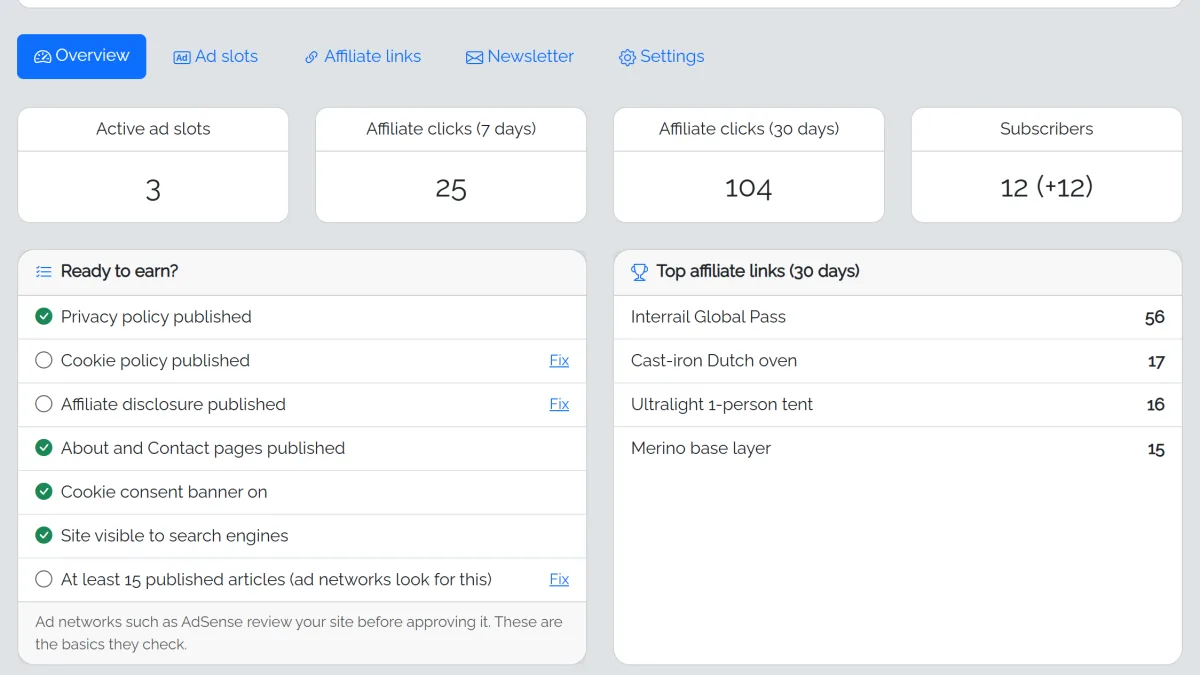
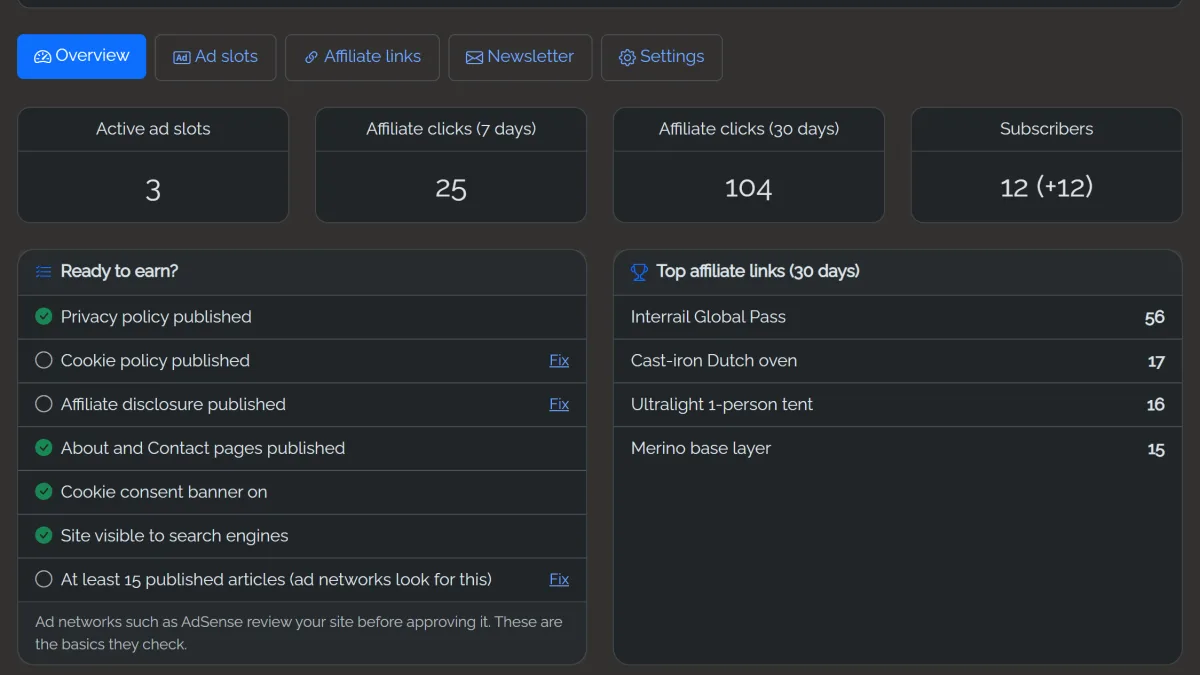
- Ad slots above or under the header, inside articles, in the sidebar or footer, per page type, with click counts for your own banners.
- AdSense Auto ads with your ads.txt line added for you. Ads are hidden while you're logged in.
- Affiliate links with
/go/short links, click tracking (not you, not bots) and auto-linking of keywords. - An automatic affiliate disclosure on articles with affiliate links.
- A Consent Mode v2 cookie banner when ads or Analytics are on.
- Email sign-ups after articles and in the sidebar, confirmed by email, with an automatic email digest of your new articles.
See what Google and Bing see. Fix it with AI.
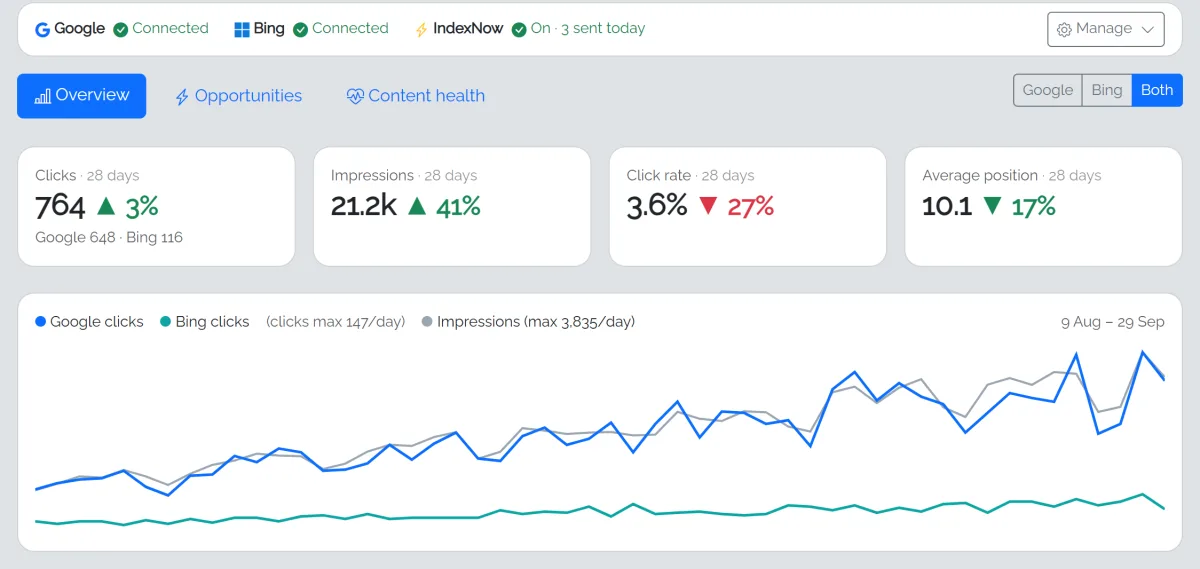
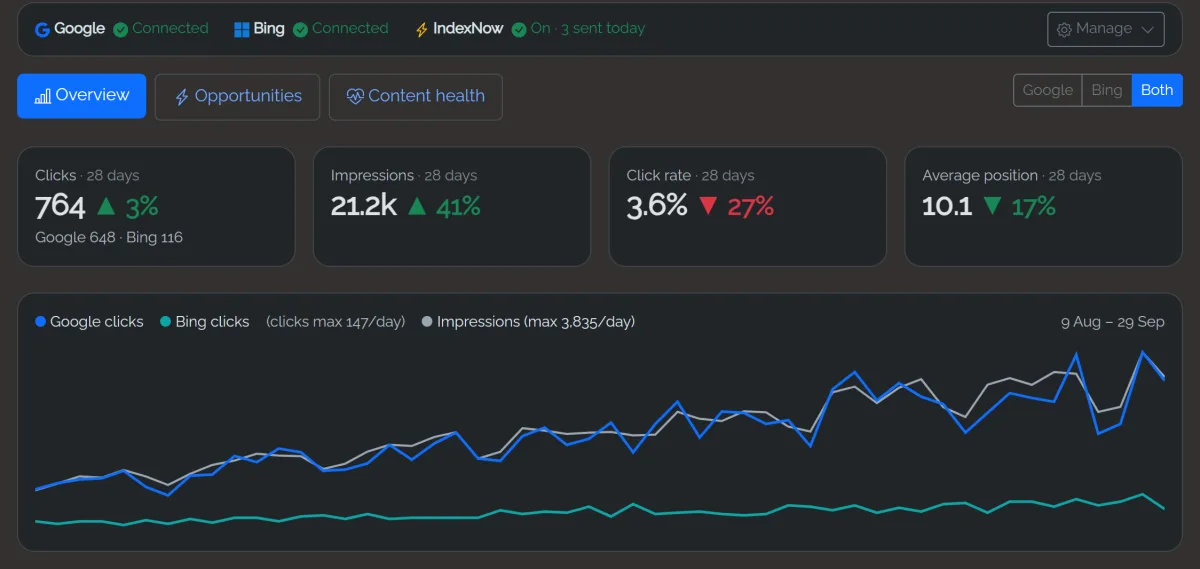
Connect Google Search Console, Bing Webmaster Tools, or both, and fastCMS fetches your numbers daily.
- Google, Bing or both: switch between them, or add them together. Each can be turned on or off without losing the connection.
- Overview: clicks, impressions, click rate and position against the previous 28 days, with each engine's share.
- New: Performance: every article ranked by how it does in search. Click one to see every search it shows up for in Google and Bing, where it ranks for each, and a chart of its position over time.
- Opportunities: almost on page one, seen but not clicked, and losing clicks.
- One-click AI fixes: new search titles and descriptions, sections that answer the searches an article misses, internal links, featured images. Fix one, fix a group or Fix everything, and undo any of it.
- Content health: old, short or incomplete articles, even without Google or Bing.
- Refresh with AI rewrites using the searches an article really appears for, with a side-by-side review. Nothing changes until you click Apply.
- IndexNow: tells Bing the moment you publish or update an article, so new posts can appear within hours.
Bring readers back, automatically
Search traffic comes and goes. Readers on your own email list stay yours, whatever Google or social media do next.
- An automatic email digest of your new articles, every week or two, on the day and time you choose. If nothing new was published, nothing is sent.
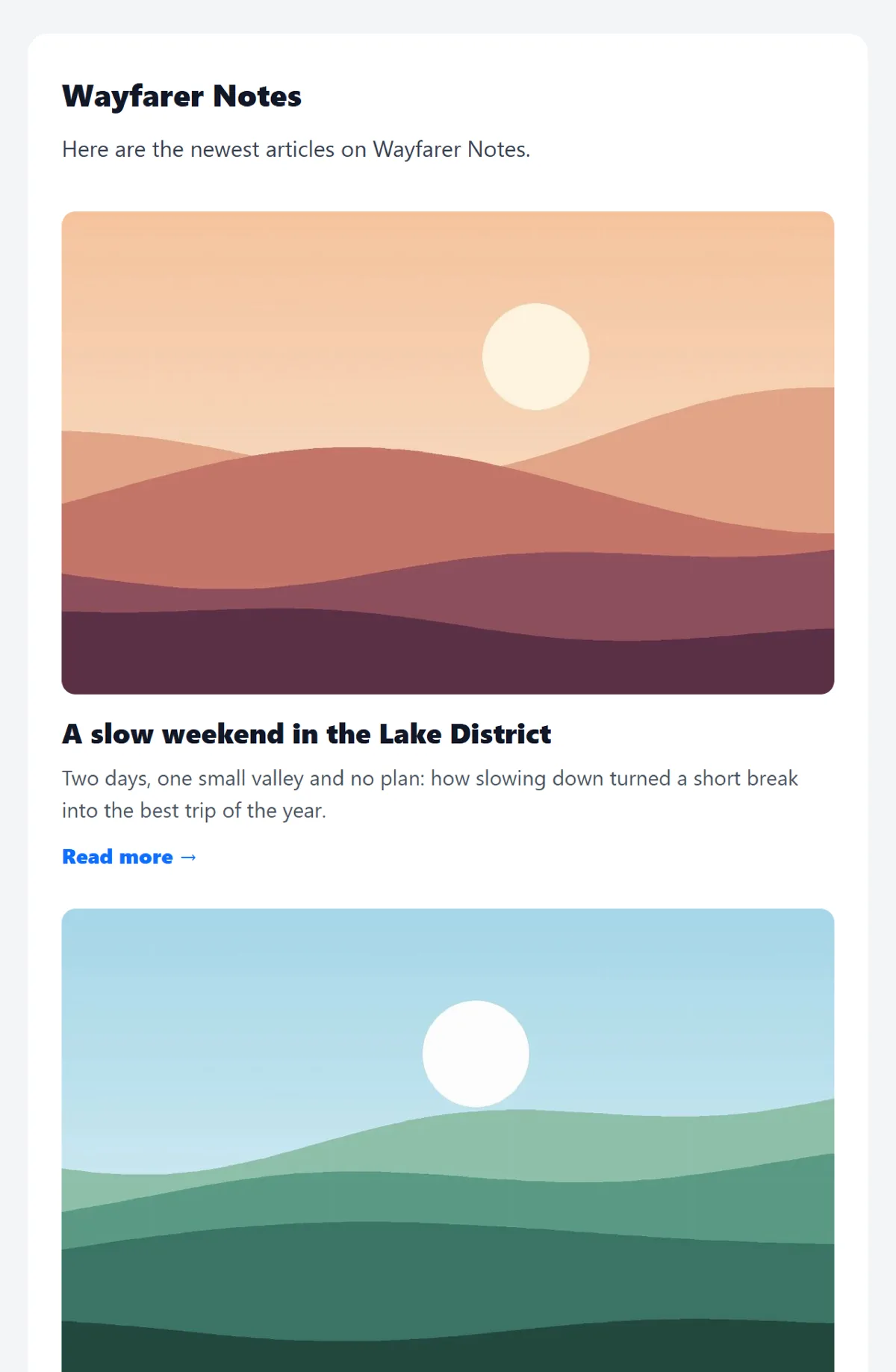
- Pictures, summaries and an AI intro: each article with its image and a Read more link, opened by two friendly sentences the AI writes (optional, a fraction of a cent).
- Send through your own email: your host's mail with no setup, or SMTP from your own mailbox or a free service like Brevo, for the best chance of the inbox.
- Done properly: sign-ups confirm their email first, every email has one-click unsubscribe (as Gmail and Yahoo require), and sending stays within your host's hourly limit.
- See what it brings: links are tagged, so visits from your emails show up next to Google and Bing.
Know where to share every article
Google takes months to trust a new blog. Your readers are already talking about your subject somewhere else, and fastCMS shows you where.
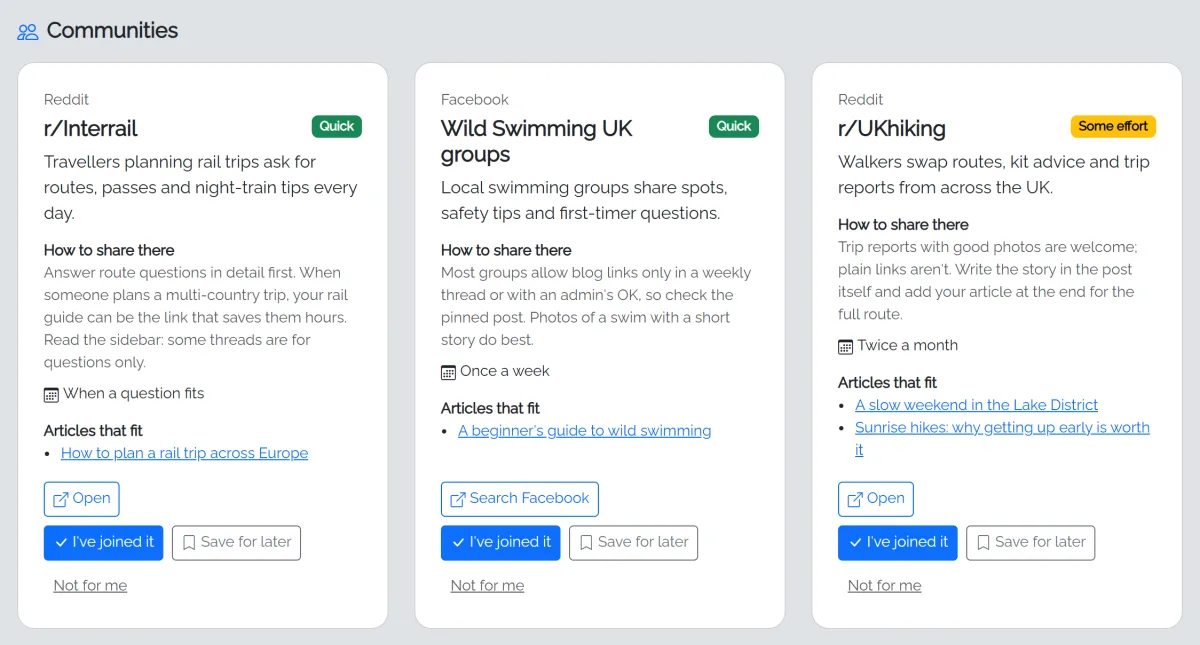
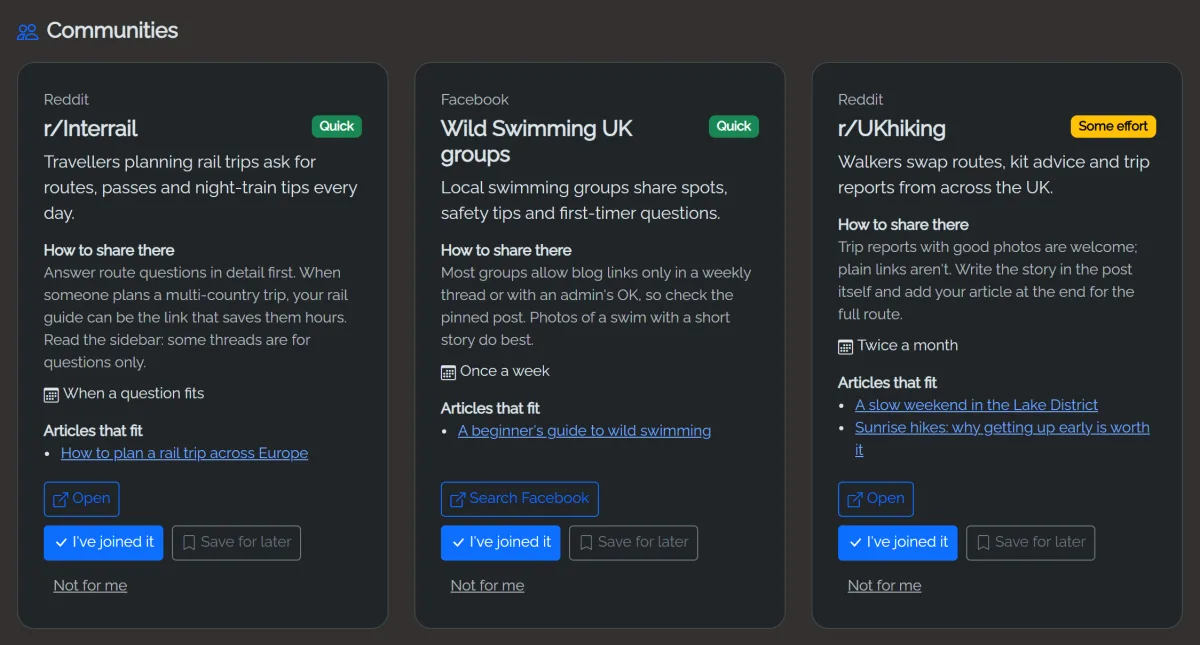
- A promotion plan for your niche: the AI reads your blog and suggests the subreddits, Facebook groups, forums, social networks and question sites where your readers gather.
- How to share without being removed: each place comes with its usual rules on links, what kind of post works there, and how often to post.
- The right article for each place: every suggestion lists which of your articles would go down best there.
- Easiest first, honest links: quick wins come first, and where a place can't be checked for certain, the button searches that site instead of guessing.
- New: the post written for you. Click Write a post and the AI drafts a Reddit post, a Facebook group post, a Quora answer to the question you paste, or an email to another blogger, following that place's rules. You copy it, open the place in one click and post it yourself.
- Keep track: mark the places you've joined and what you've posted where, save others for later, and ask for more whenever you like.
Every new article, shared for you
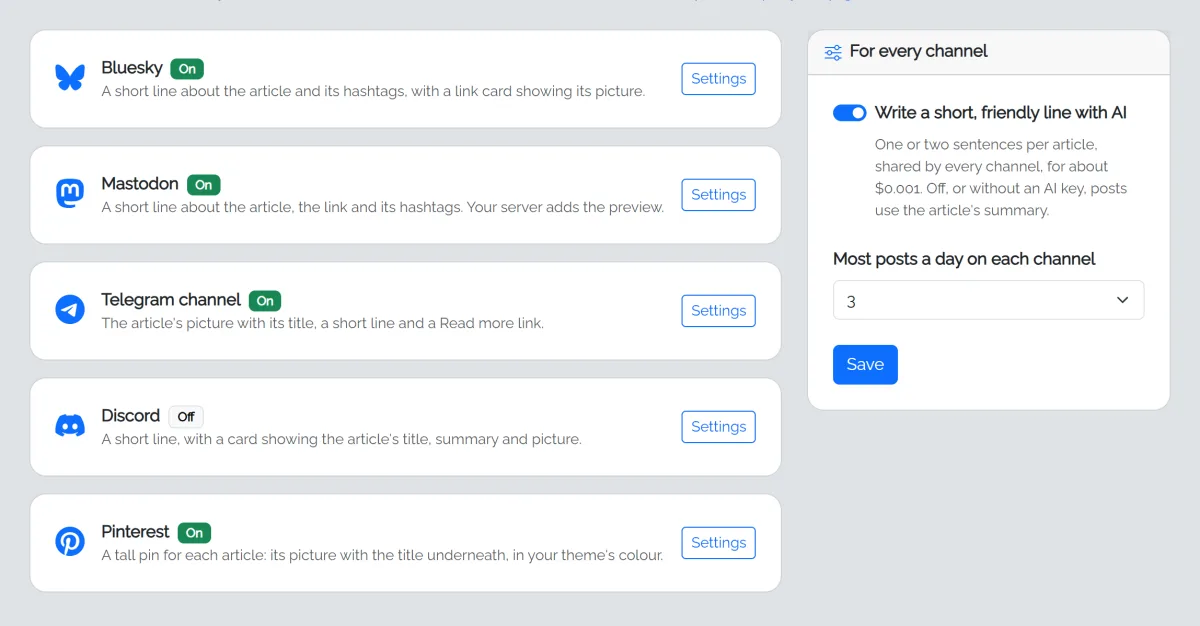
Connect your channels once. From then on, each article you publish is shared automatically, on free networks with no paid scheduling tool.
- Bluesky, Mastodon, Telegram and Discord: a link card or the article's picture, a short line and hashtags from its category.
- Pinterest pins made for you: a tall pin for every article, its picture with the title underneath in your theme's colour, picked up by Pinterest from your pin feed.
- A line that sounds like you: the AI writes one or two friendly sentences per article (about $0.001), or posts use the article's summary.
- Never spammy: only articles published after you switch a channel on, no more than 3 a day on each, at least 2 hours apart. A burst of Autopilot articles goes out over the following days.
- See every post: links to each one, plain-English errors, Retry, and a test post to check how it looks.
Know your visitors, without Google Analytics
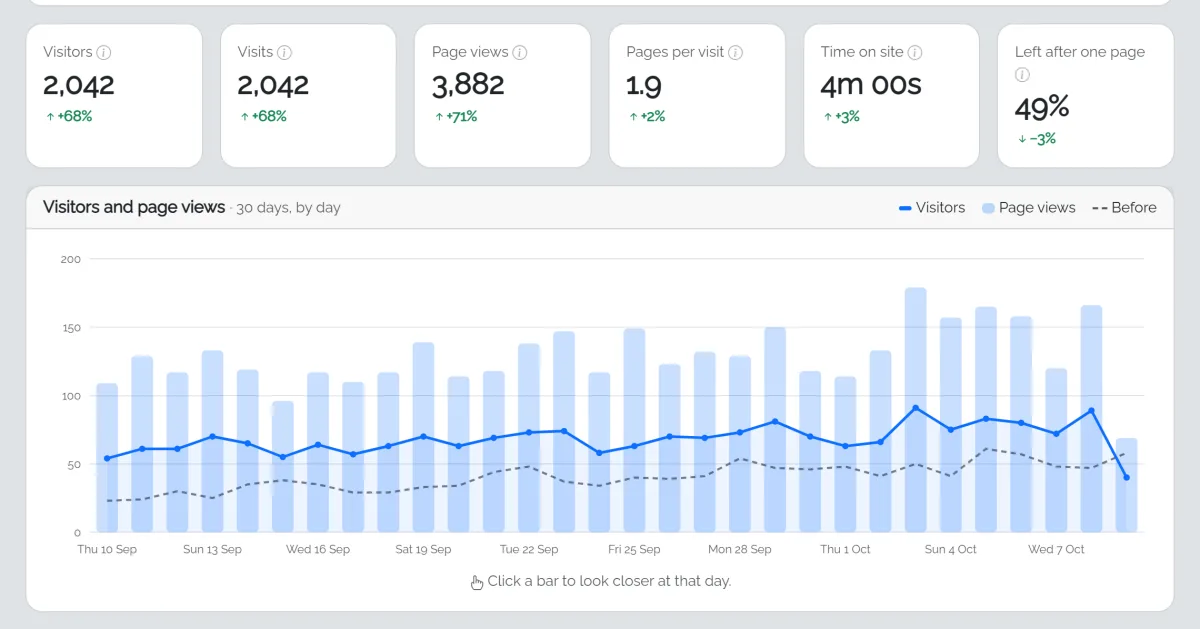
Your own visitor statistics, built in. No code to paste, no outside service, and no cookies, so no cookie banner for stats.
- A clear picture at a glance: visitors, page views, time on site and more, for today, this week, this month, this year or any dates you pick, compared with the period before.
- Where your readers come from: Google and Bing, Pinterest and other social networks, your email digest, ads, and AI assistants like ChatGPT and Perplexity.
- Click to go deeper: click any page, source or country to see just those visitors, then the next thing, with breadcrumbs to find your way back.
- What works and when: top pages, first and last pages, countries, devices, a best-times heatmap, and every recent visit page by page.
- Private by design: IP addresses are never stored, nobody can be followed from day to day, and one click adds an accurate section to your privacy policy.
Lightweight where it counts
Static page cache
Apache serves cached HTML directly, so most visits never run PHP or touch the database.
One-file database
SQLite in a single file. No MySQL to create, no connection strings, easy backups.
Vanilla PHP 8.2
No framework, no Composer, no build step. Runs on ordinary cPanel hosting.
Background jobs
Writing runs in a queue while the admin is open, or 24/7 with a single cron job.
One-click updates
Checksum verified, backup first, automatic rollback. Your config, content and uploads are never touched.
Built-in help
A Get started checklist and plain-English guides inside the admin, behind the ? button.
Ready when you are.
Everything above is in every licence. Pay once, host it yourself, own your blog.